

🧩 Prerequisite:
- Follow the SMS Tool Setup Guide
Create SMS Widget
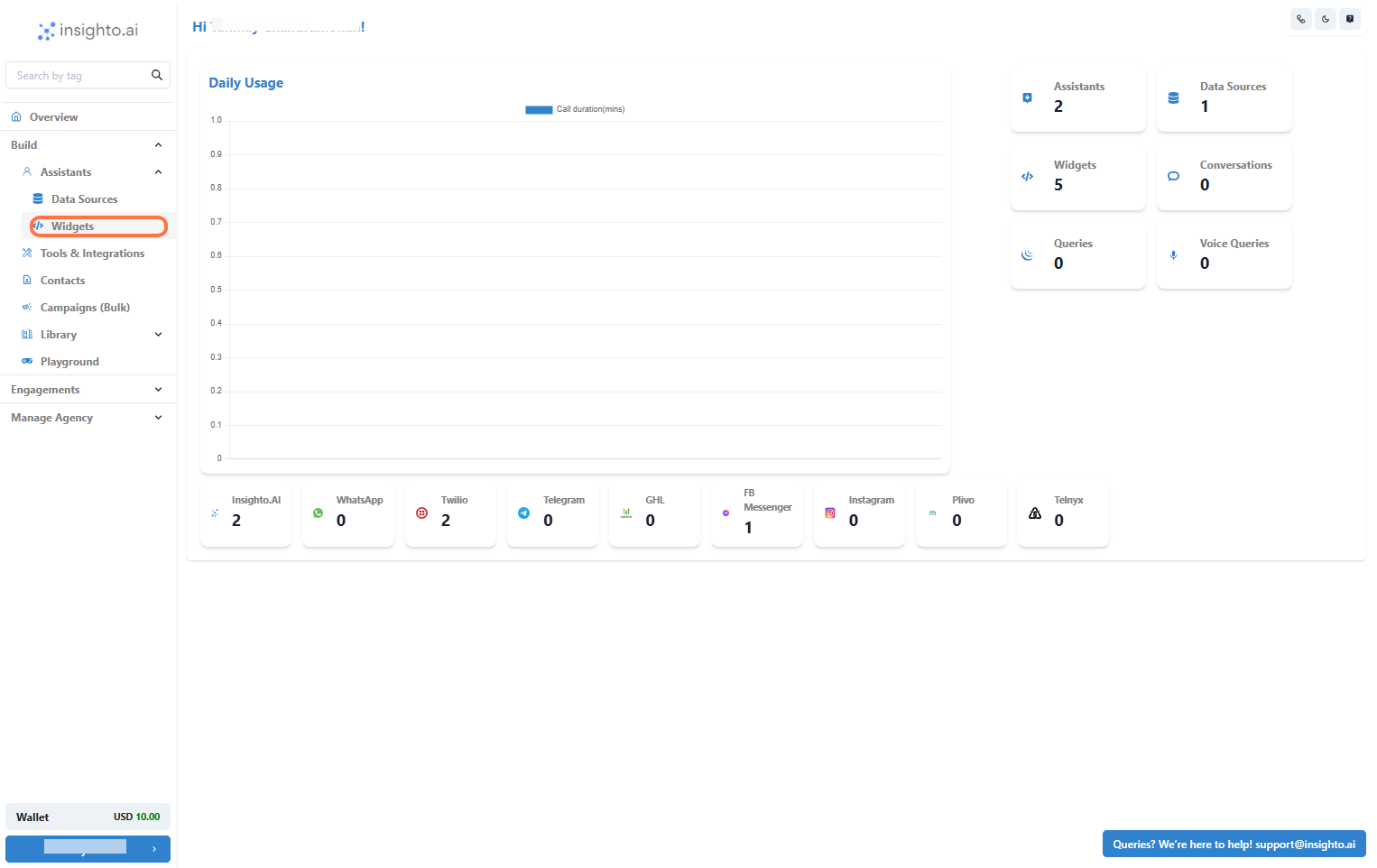
- Click on Widgets from the Left Panel
Ensure you have already created an AI chat assistant before proceeding. If you haven’t, please follow the previous guides to create and configure your assistant first.
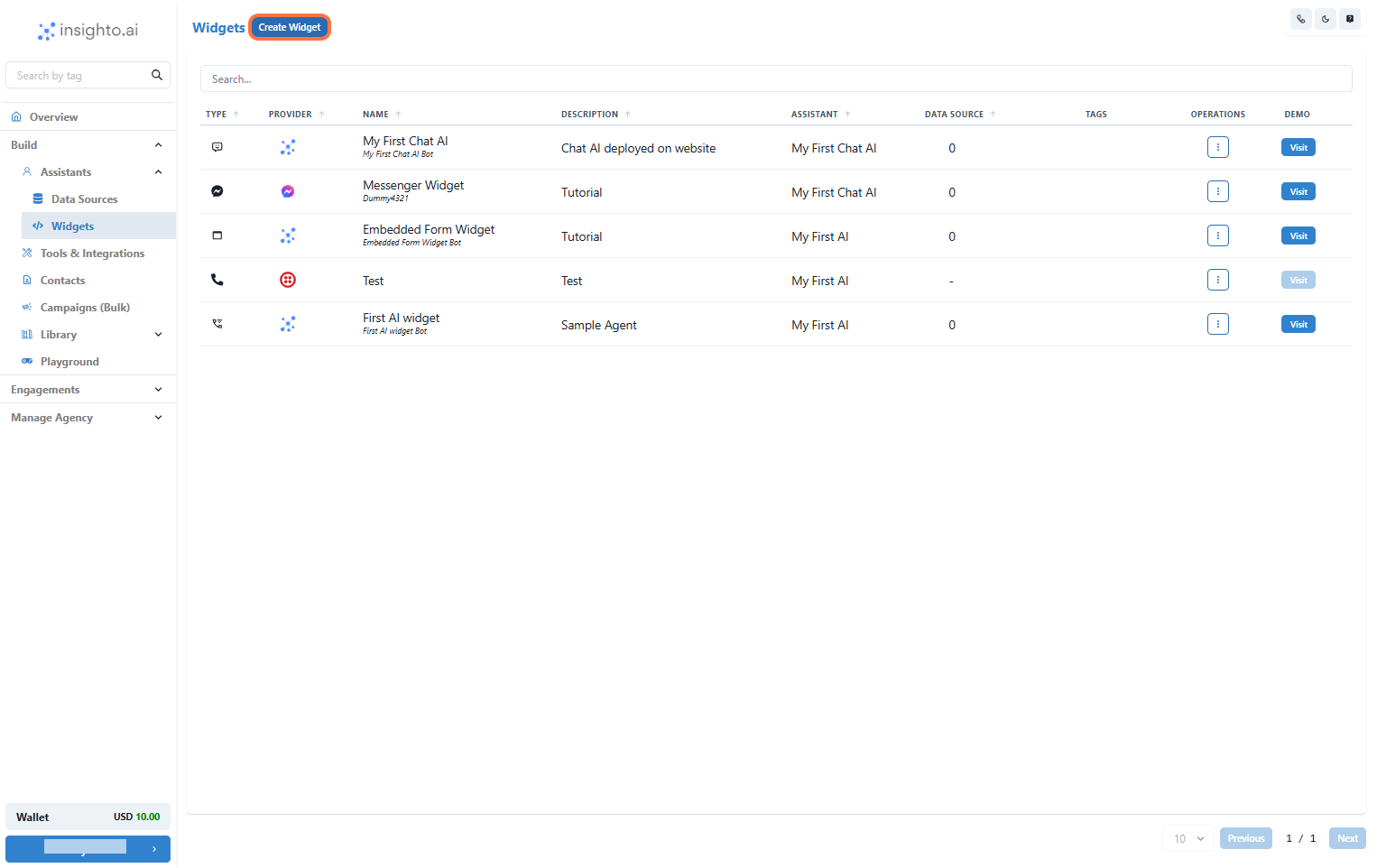
- Create New Widget
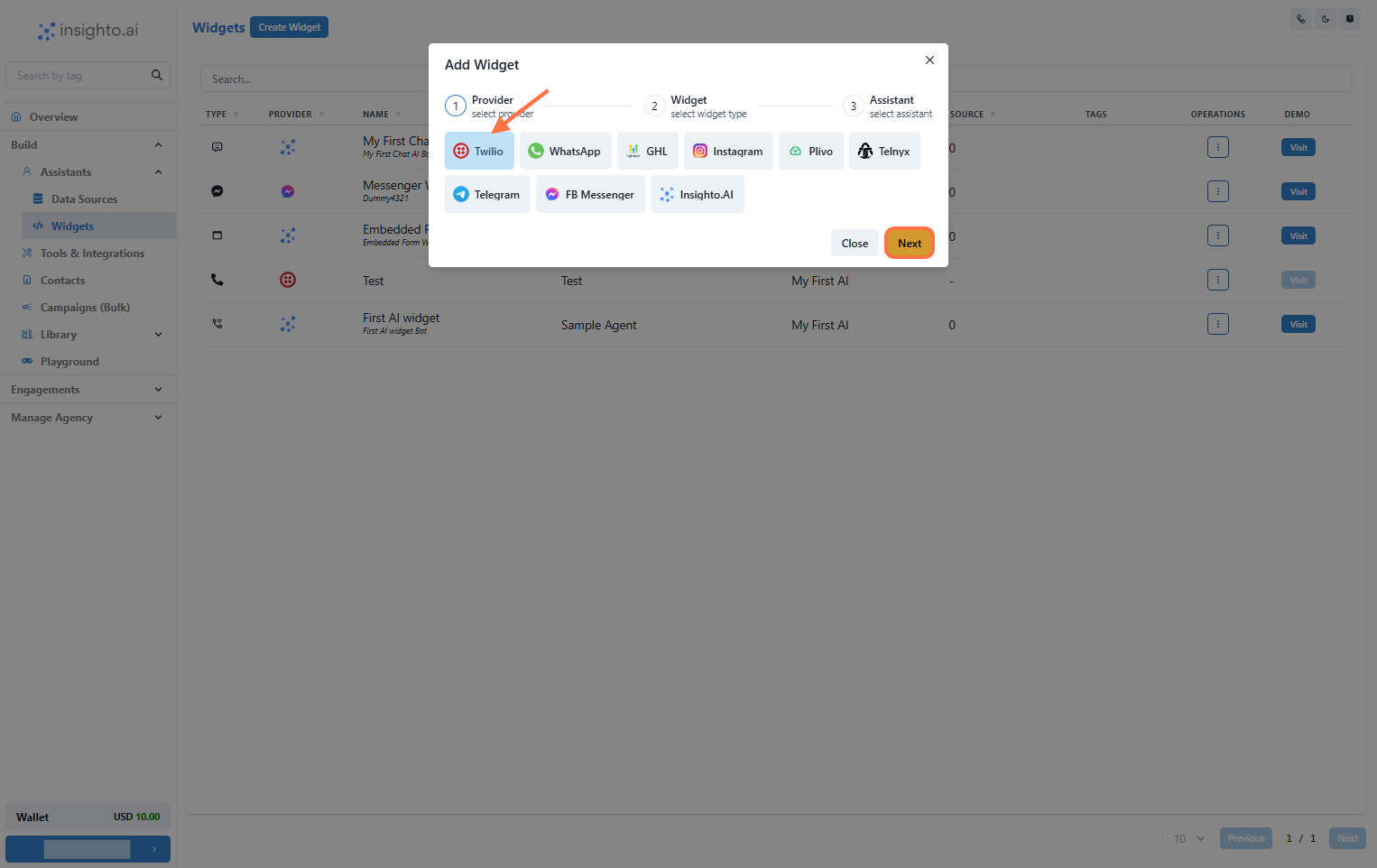
- Select Twilio as the Provider Type and Click Next
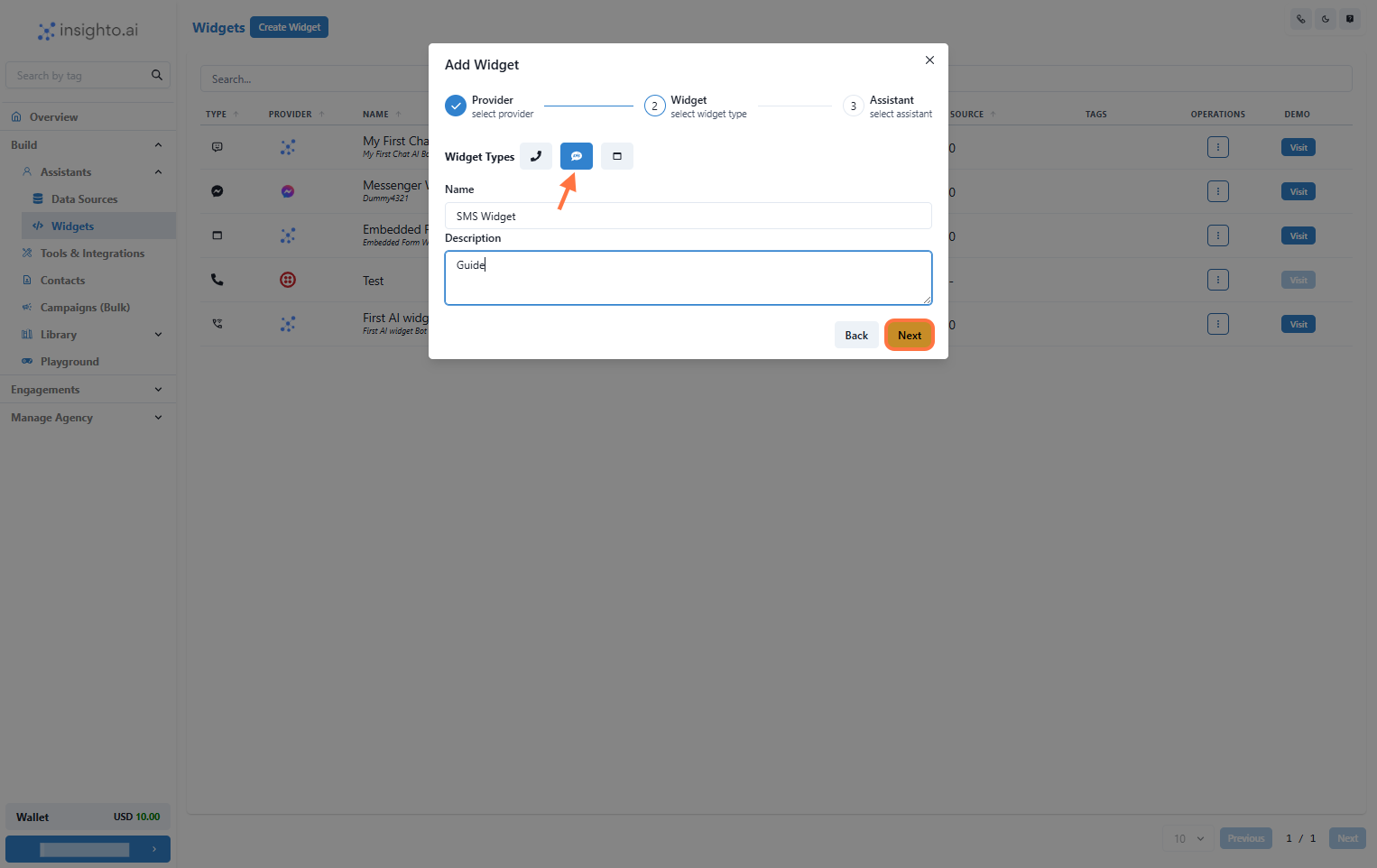
- Select Widget Type, Name, and Describe Your Widget
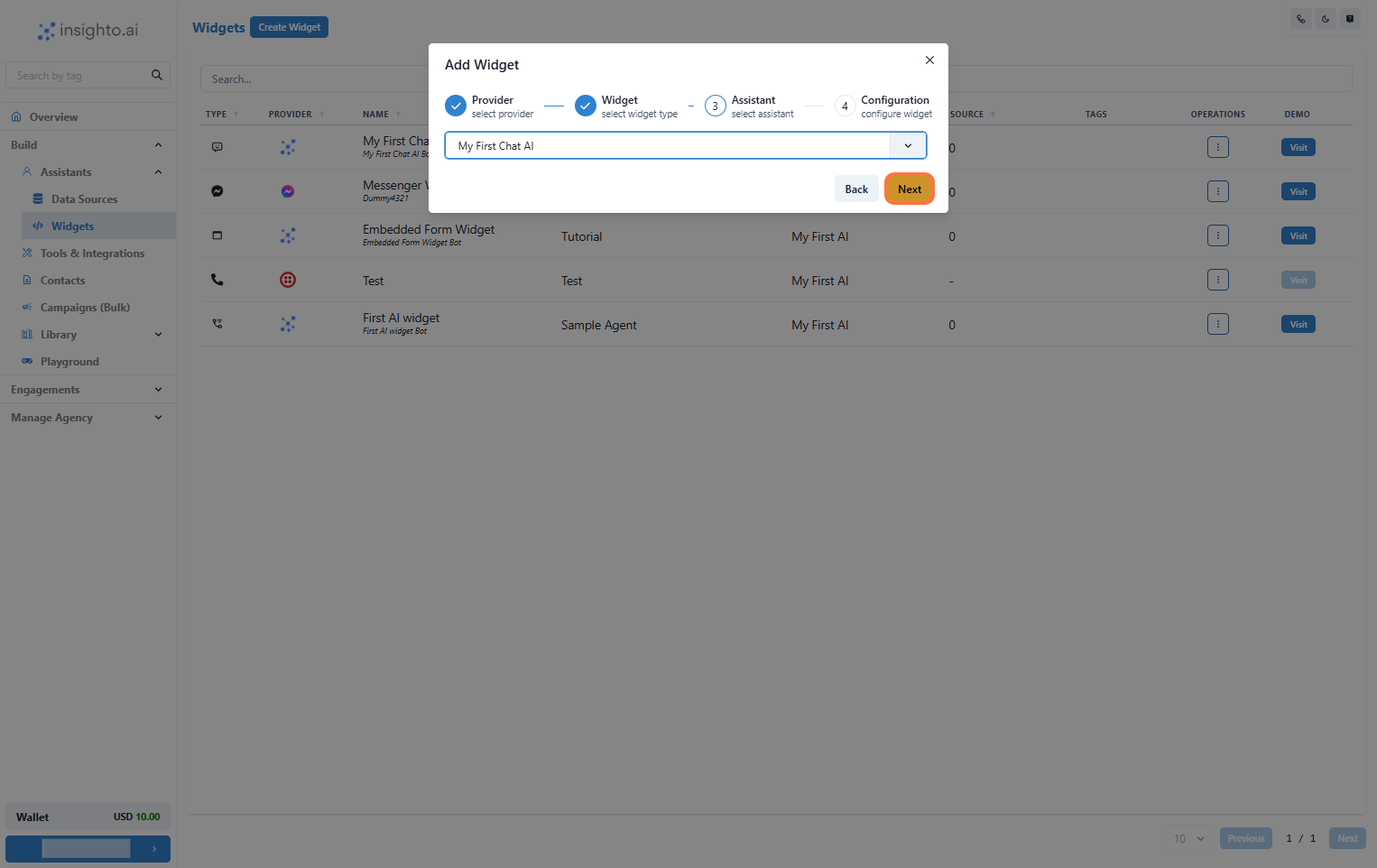
- Select Your Chat Assistant from the Dropdown
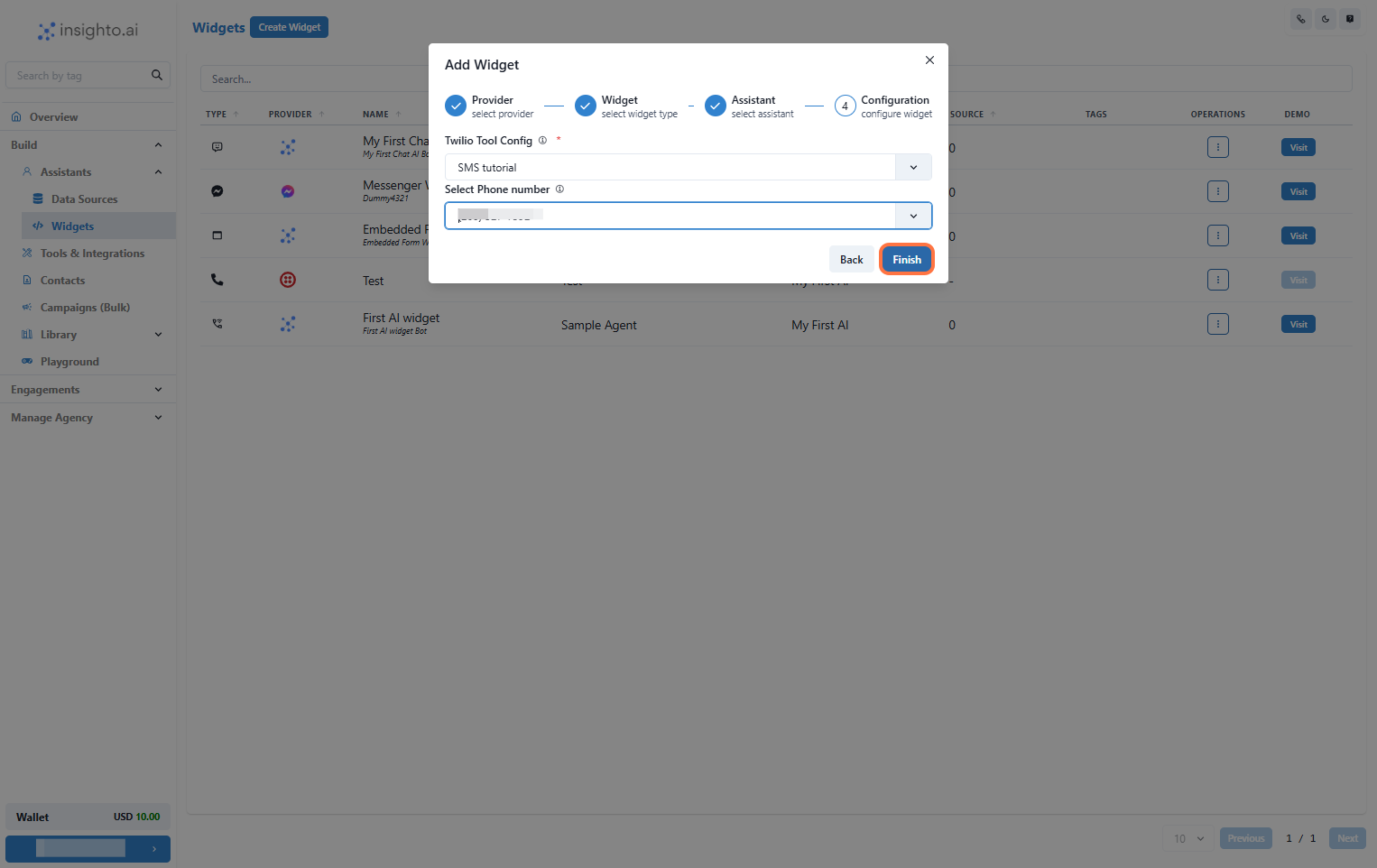
- Configure Twilio SMS Widget
Choose a Phone Number associated with that account
Once done, click Finish to complete deployment.
- Test Your SMS Assistant
