

🚫 Disconnect Tool Setup
- Go to Tools & Integration & Click on Setup
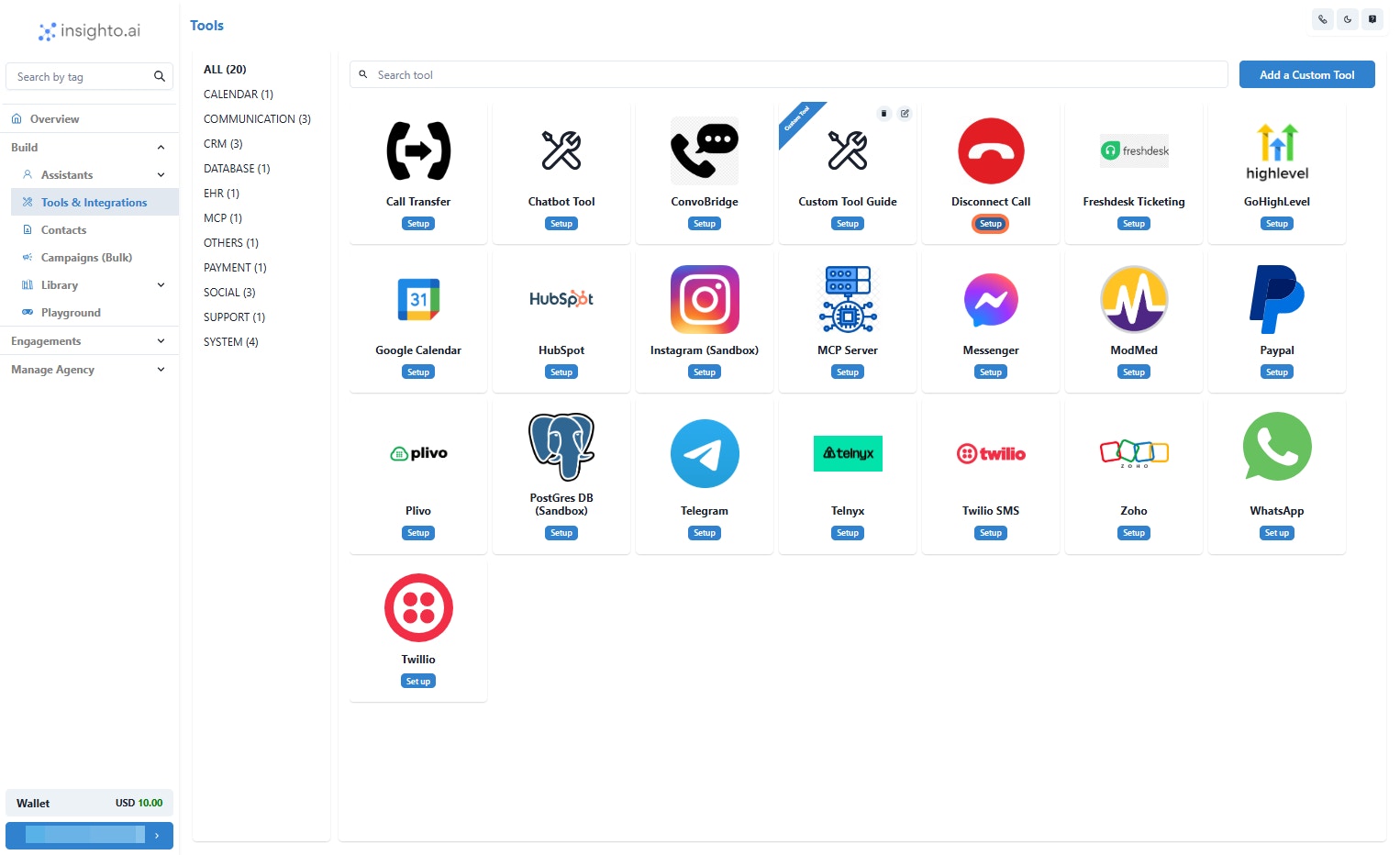
- Click on Start New
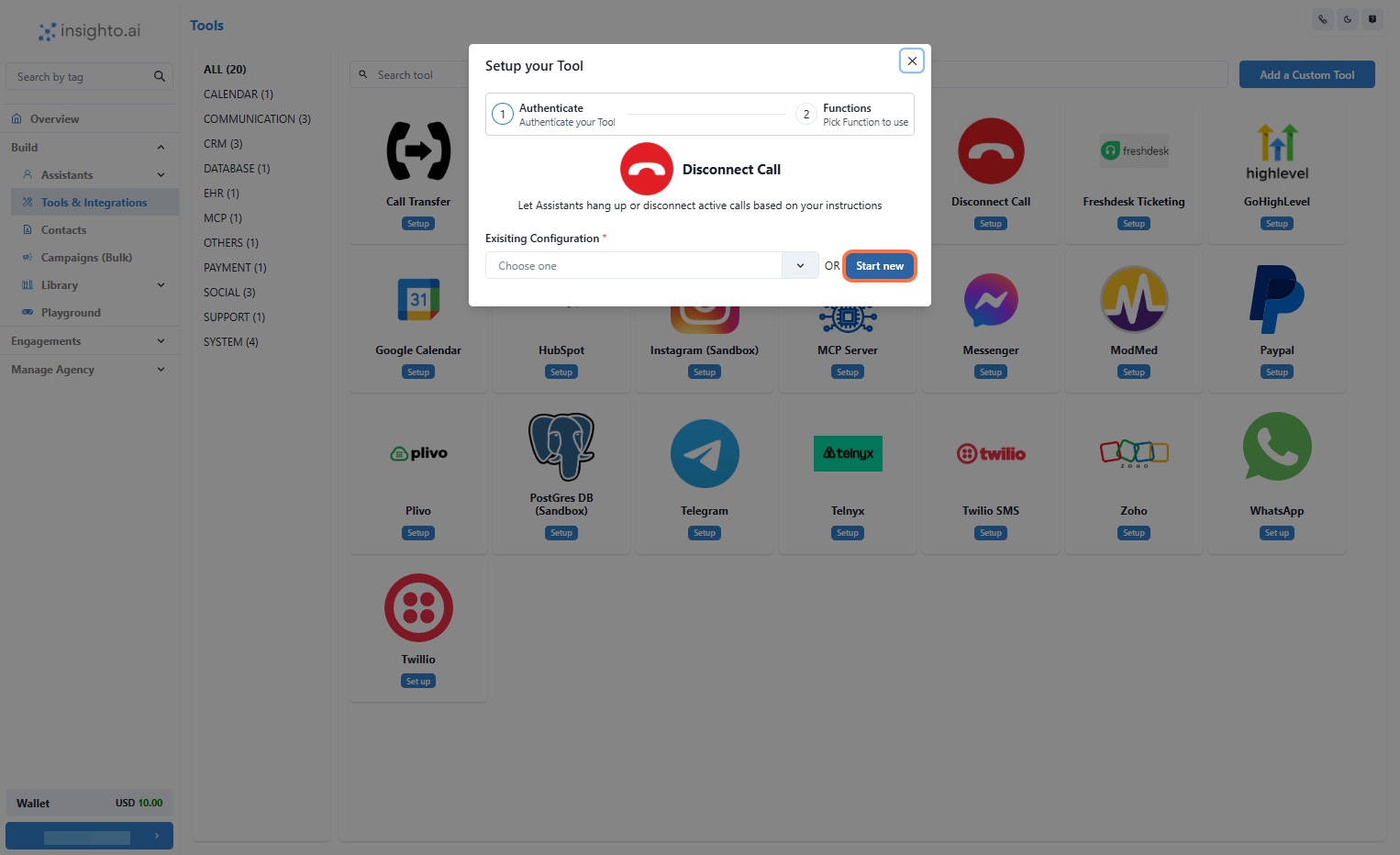
- Name Your Configuration and Click Create
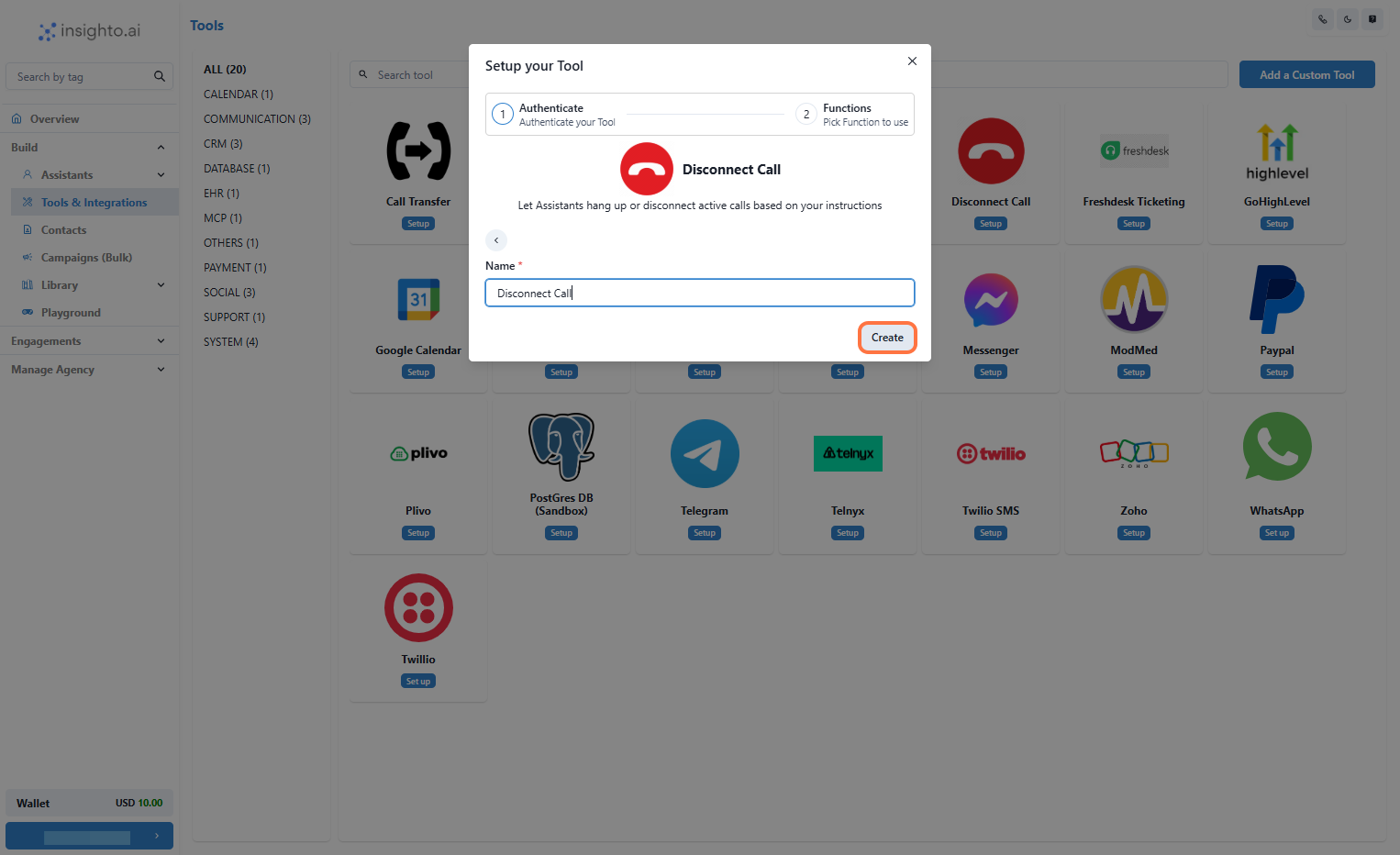
- Enable the Disconnect Call Function
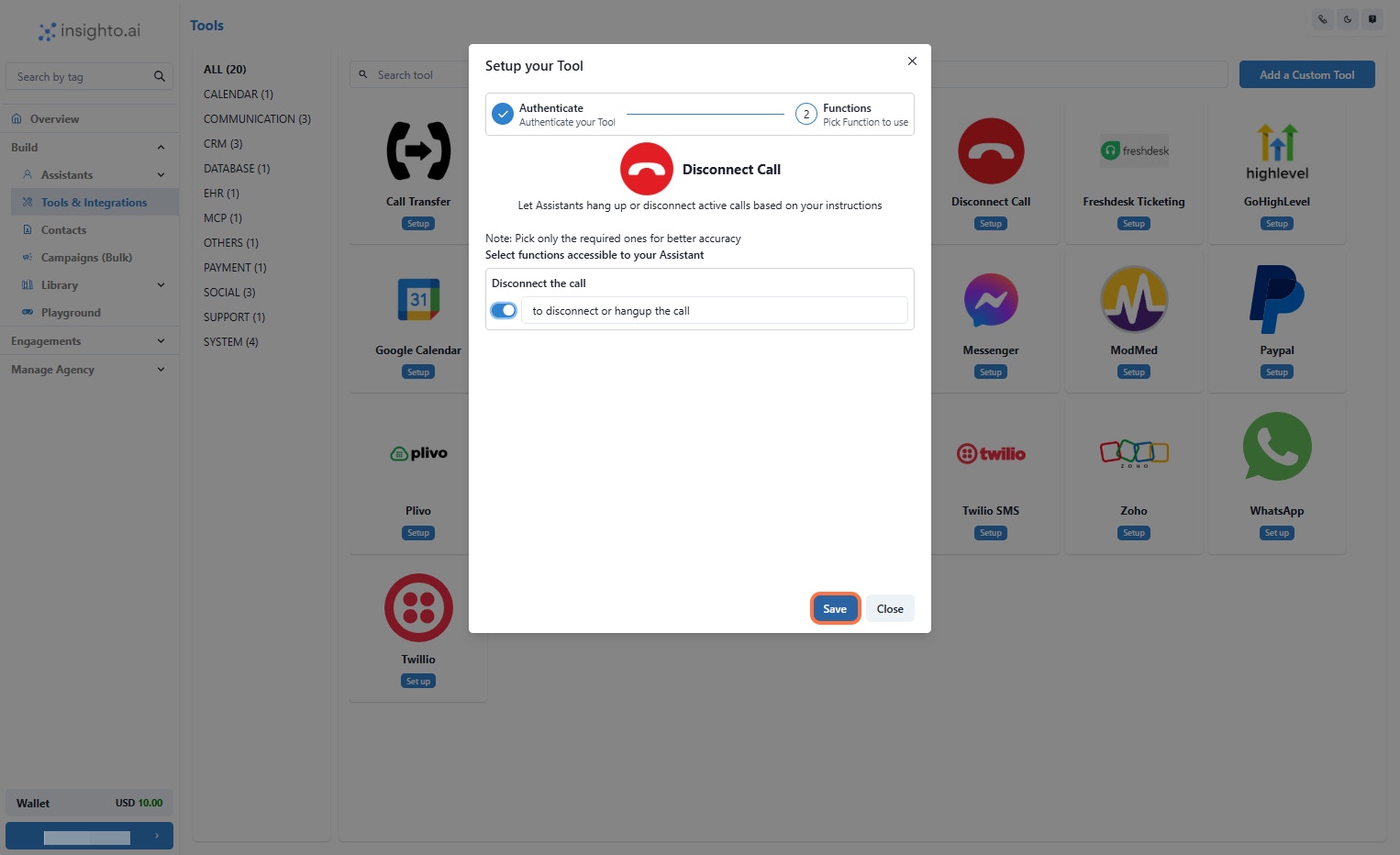
- Connect with Phone Assistant & Add Instructions to Trigger the Tool
If the user doesn’t have any more queries, thank them and then disconnect the call using the available tool.
🔁 Call Transfer Tool Setup
- Go to Tools & Integration & Click on Setup
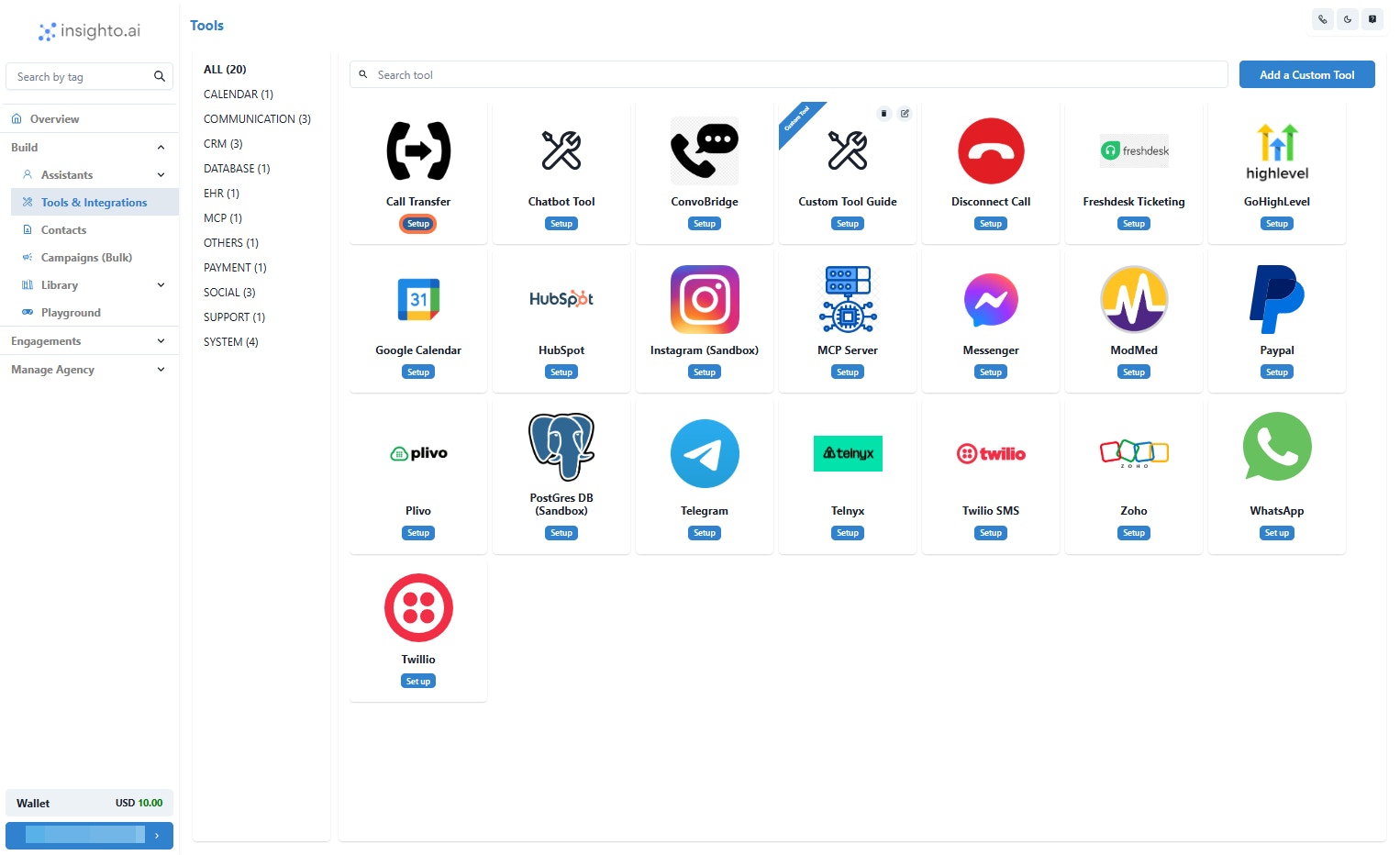
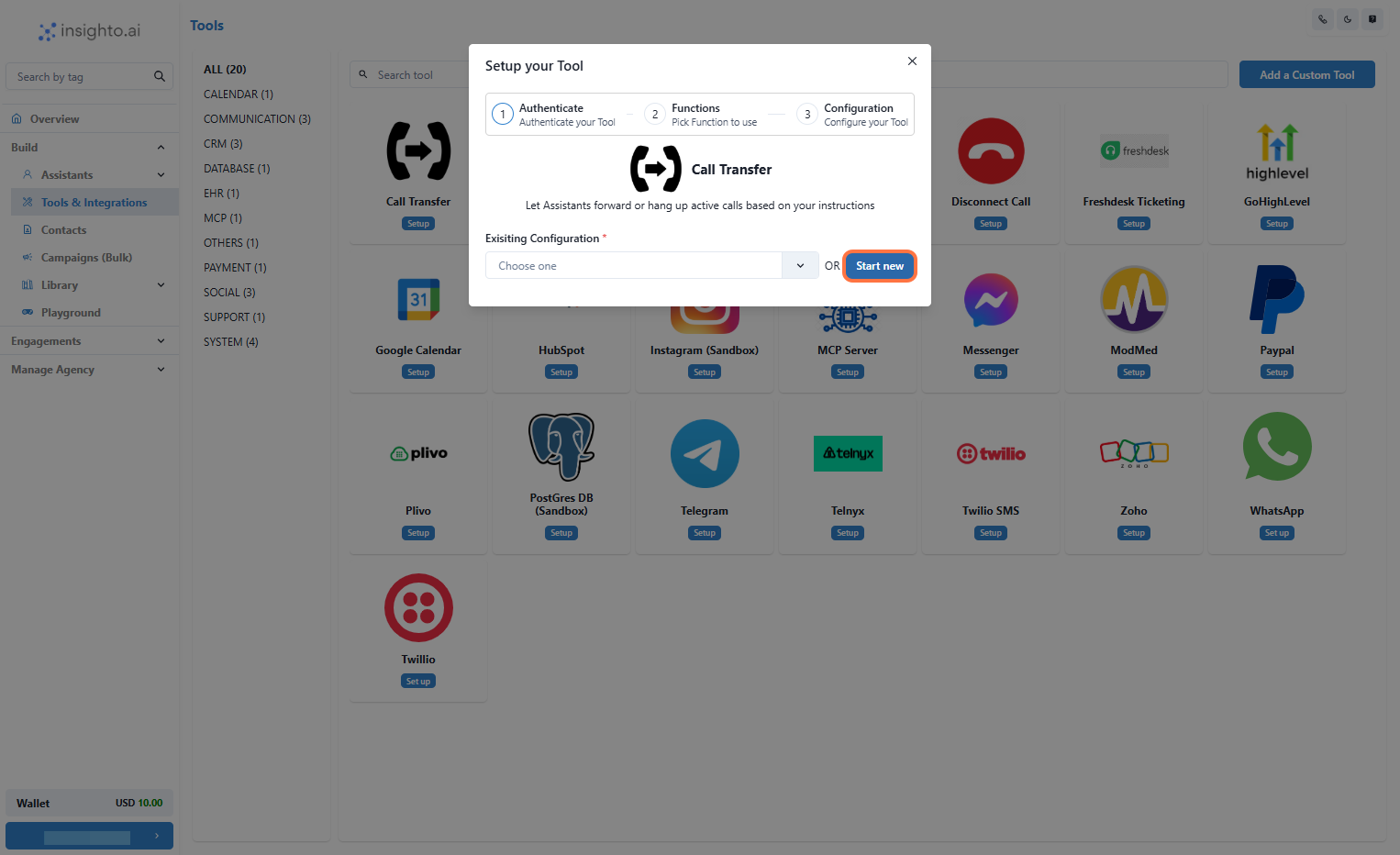
- Click on Start New
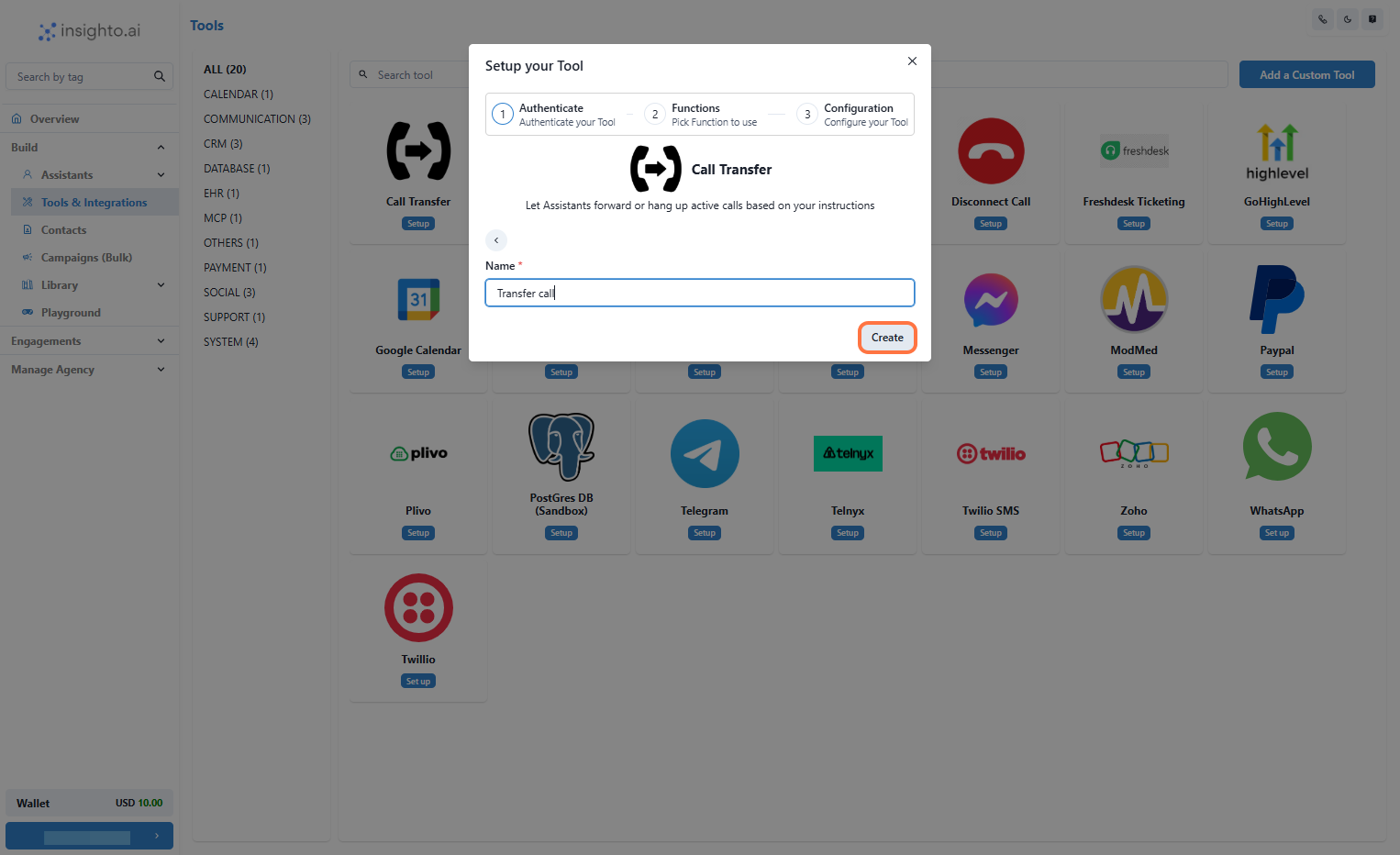
- Name Your Configuration and Click Create
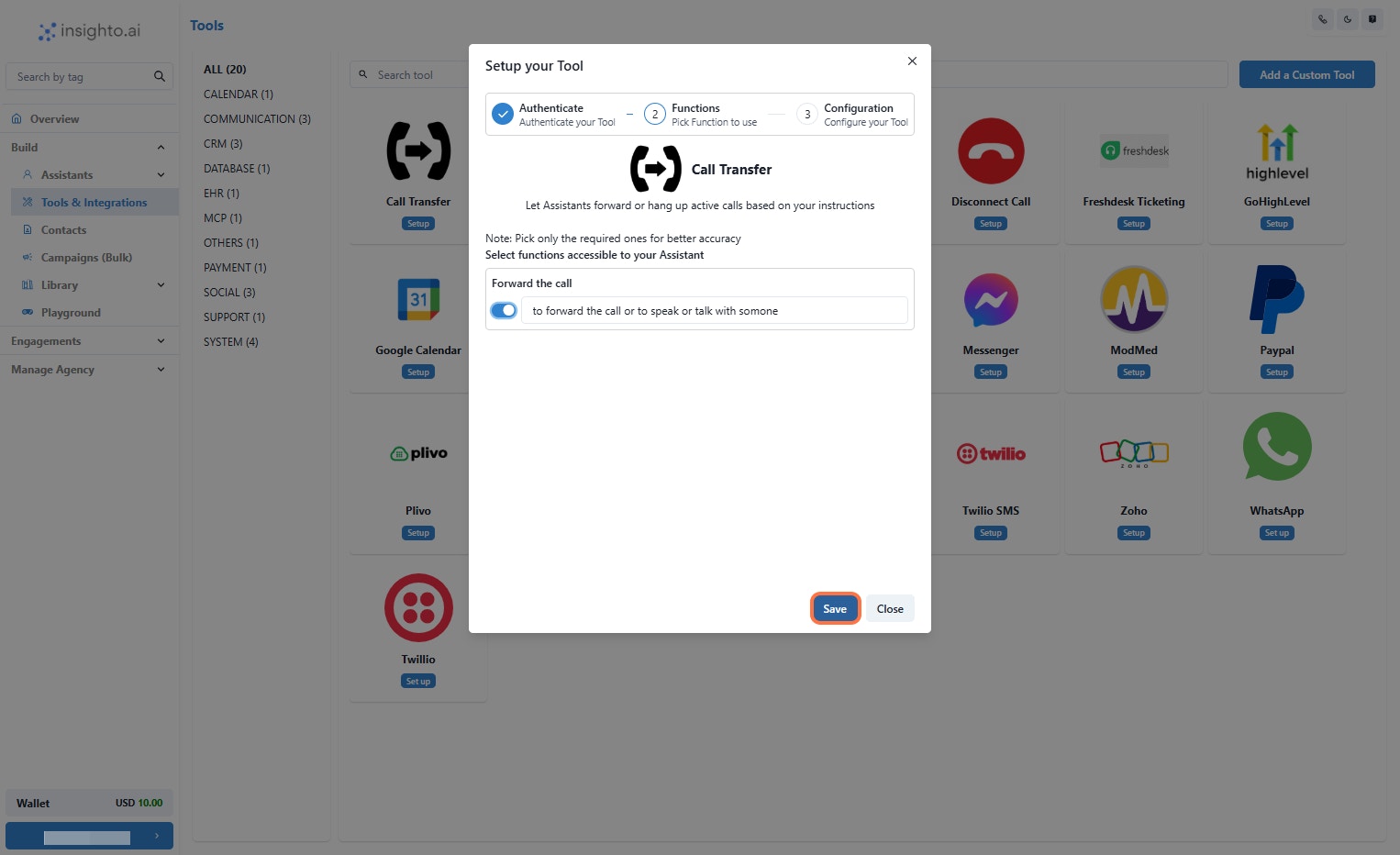
- Enable the Forward Call Function
- Enter the Number and Click on Finish
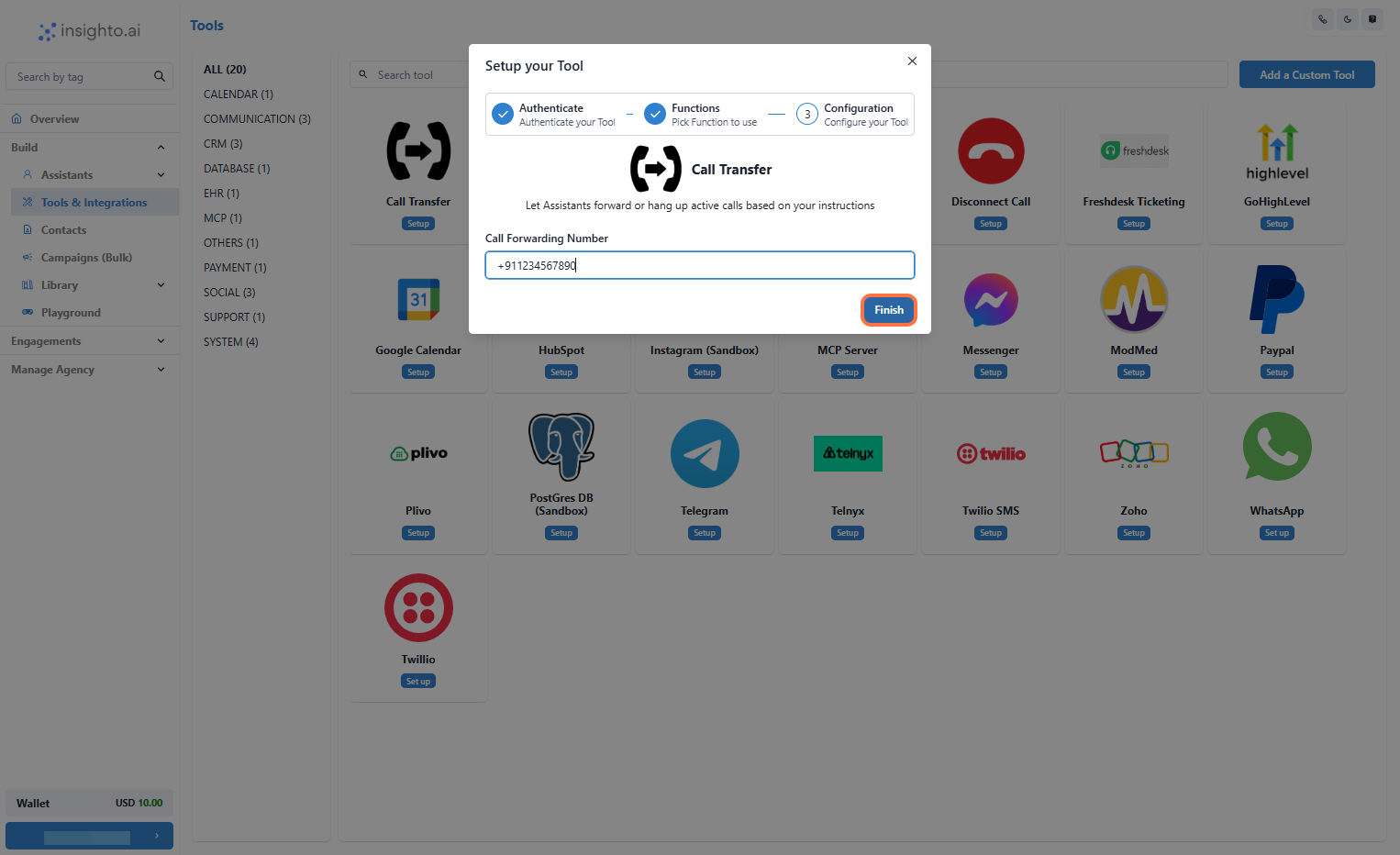
- Connect with Phone Assistant & Add Instructions to Trigger the Tool
If the user requests to speak with (someone/Name), forward the call using the available tool.