

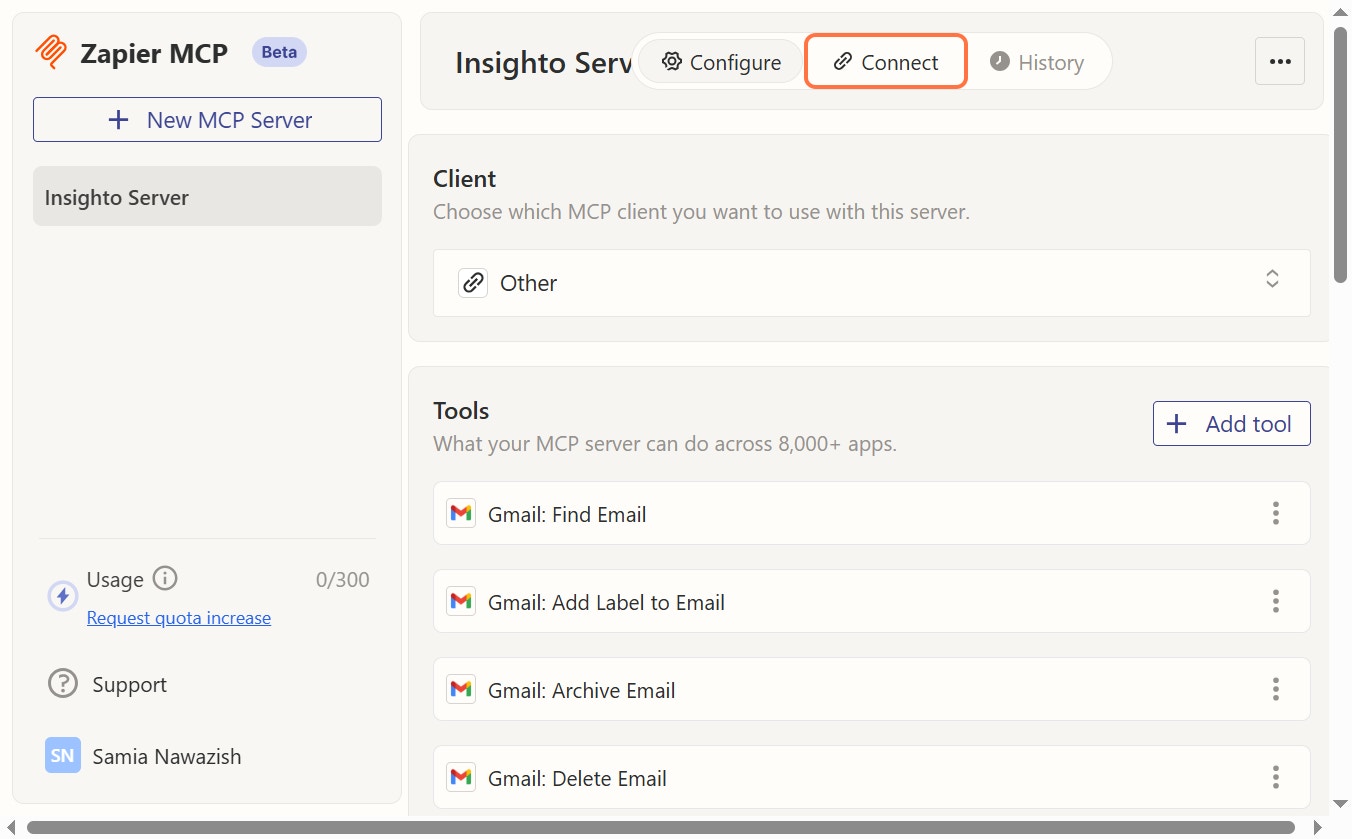
- Click on Connect
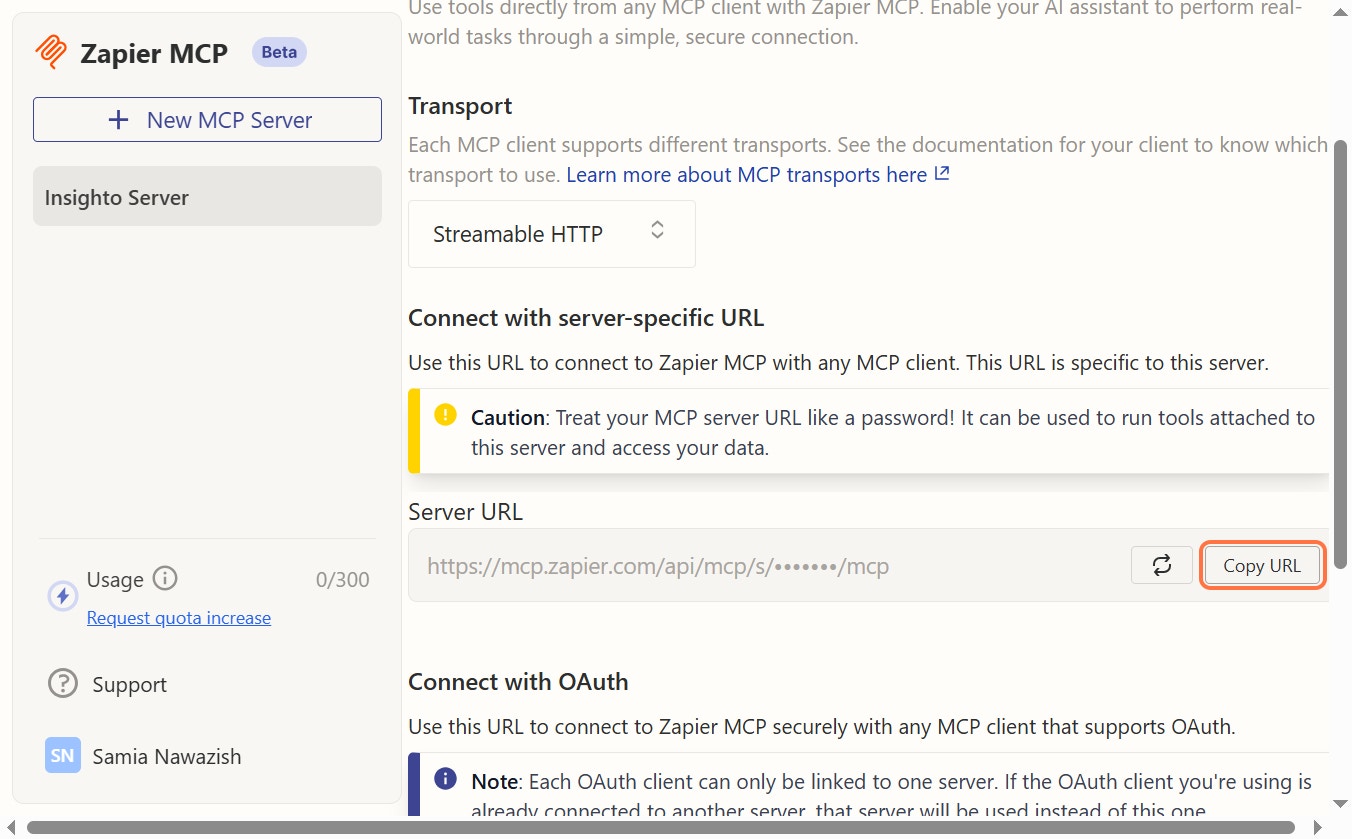
- Click on Copy URL
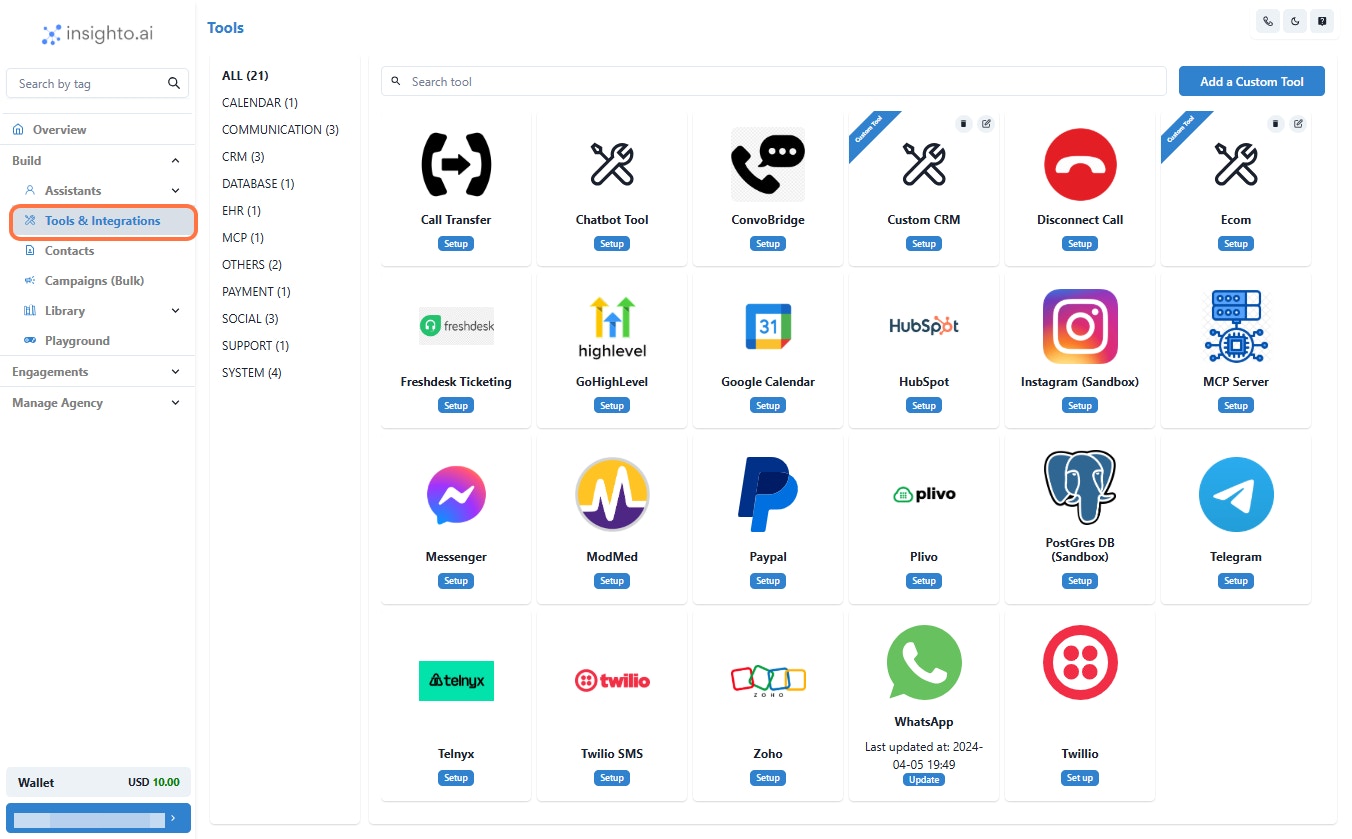
- Click on Tools & Integrations
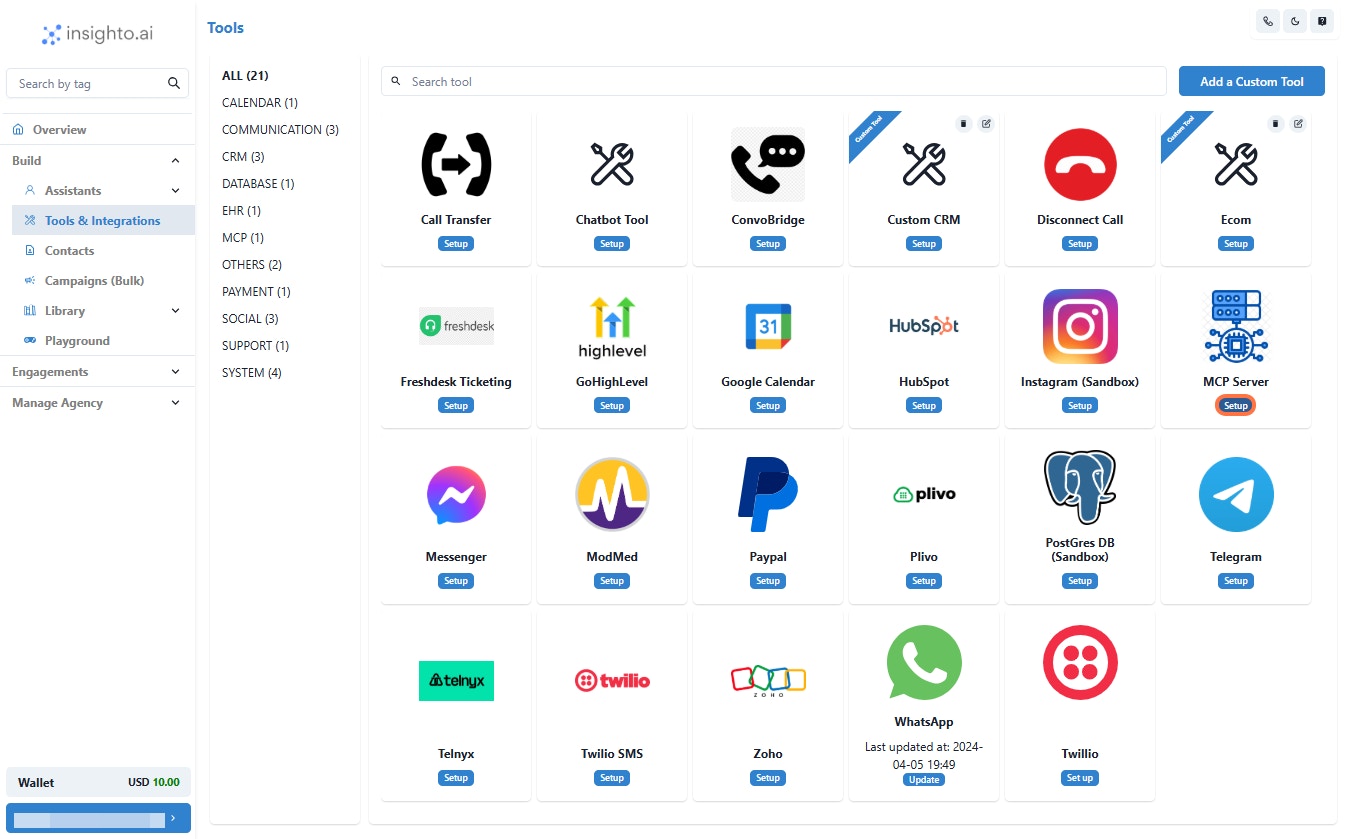
- Click on Setup
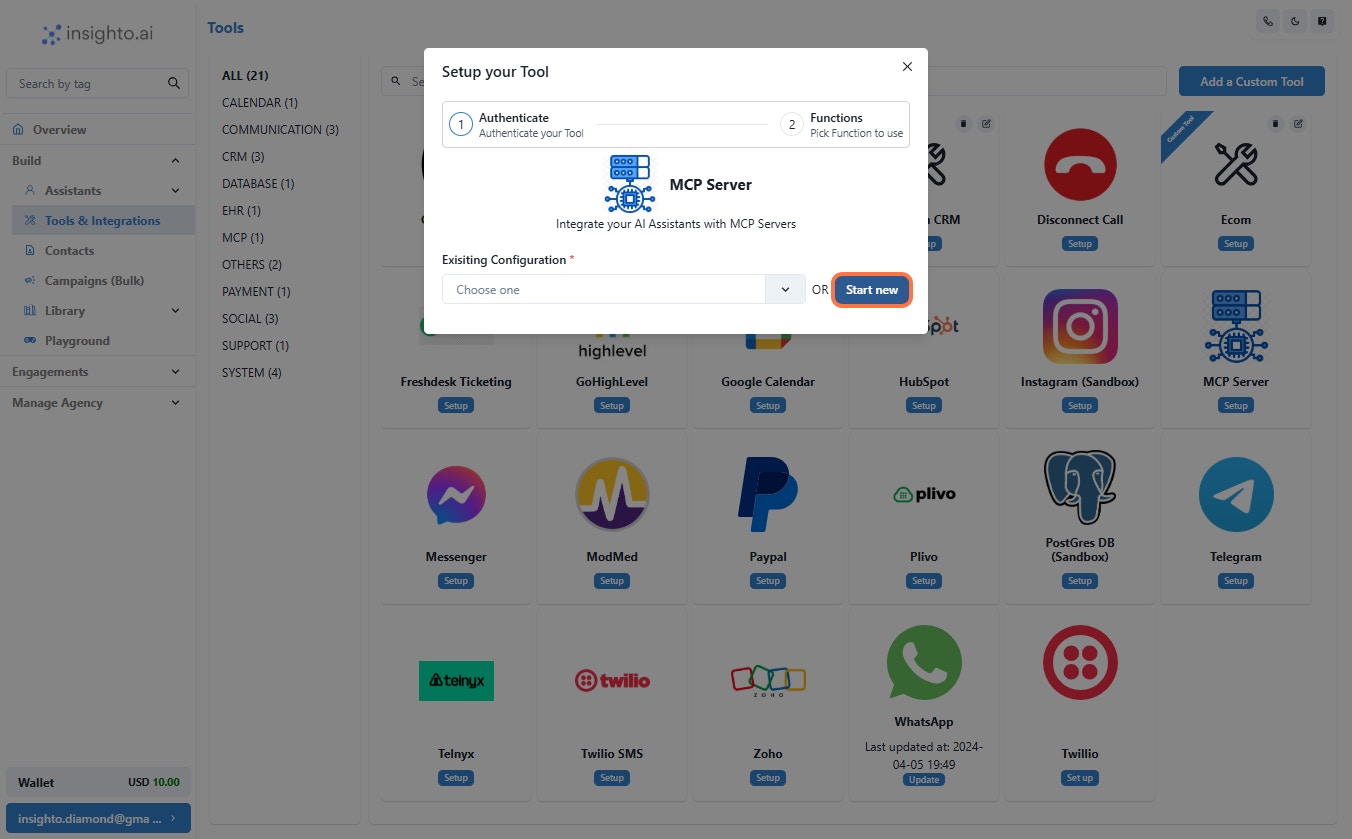
- Click on Start new
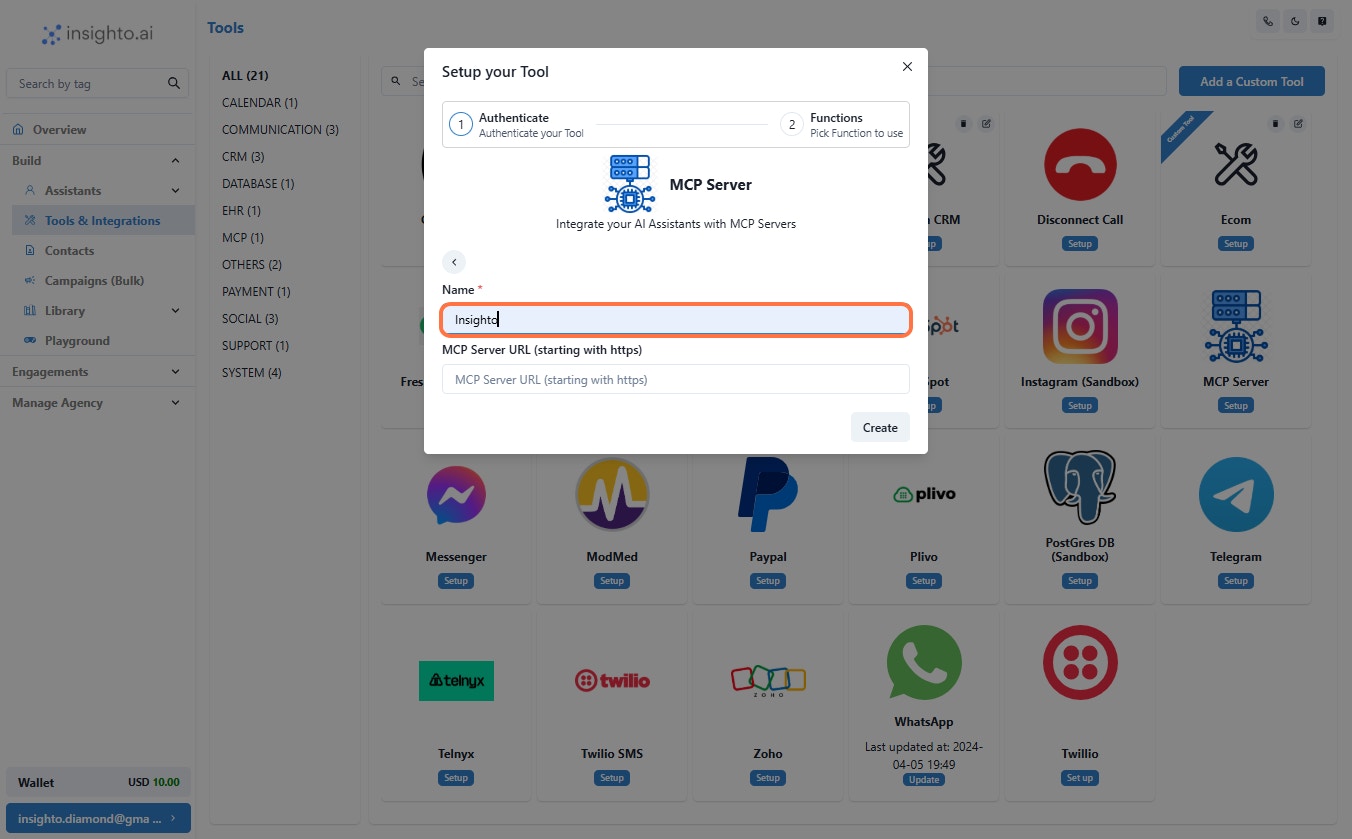
- Give Name
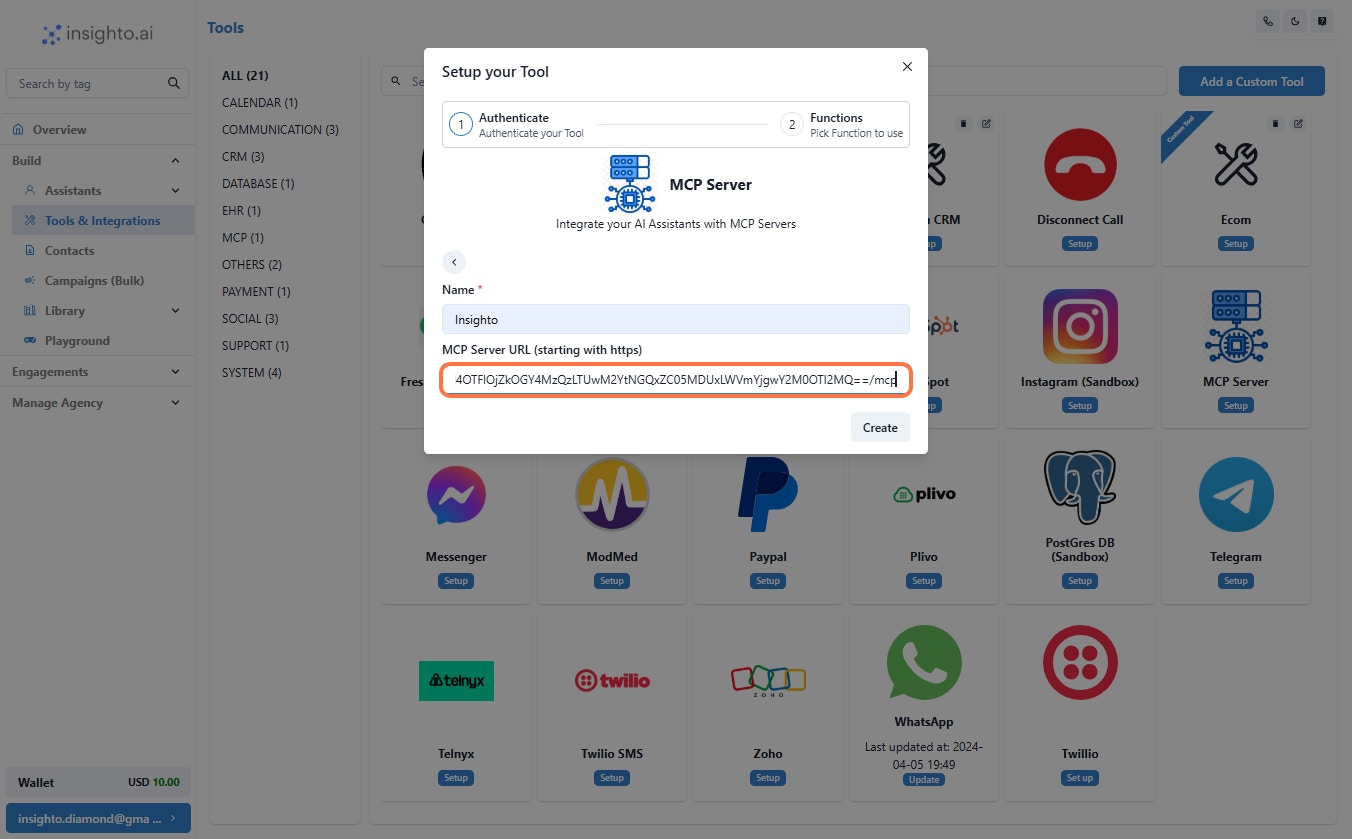
- Enter MCP Server URL
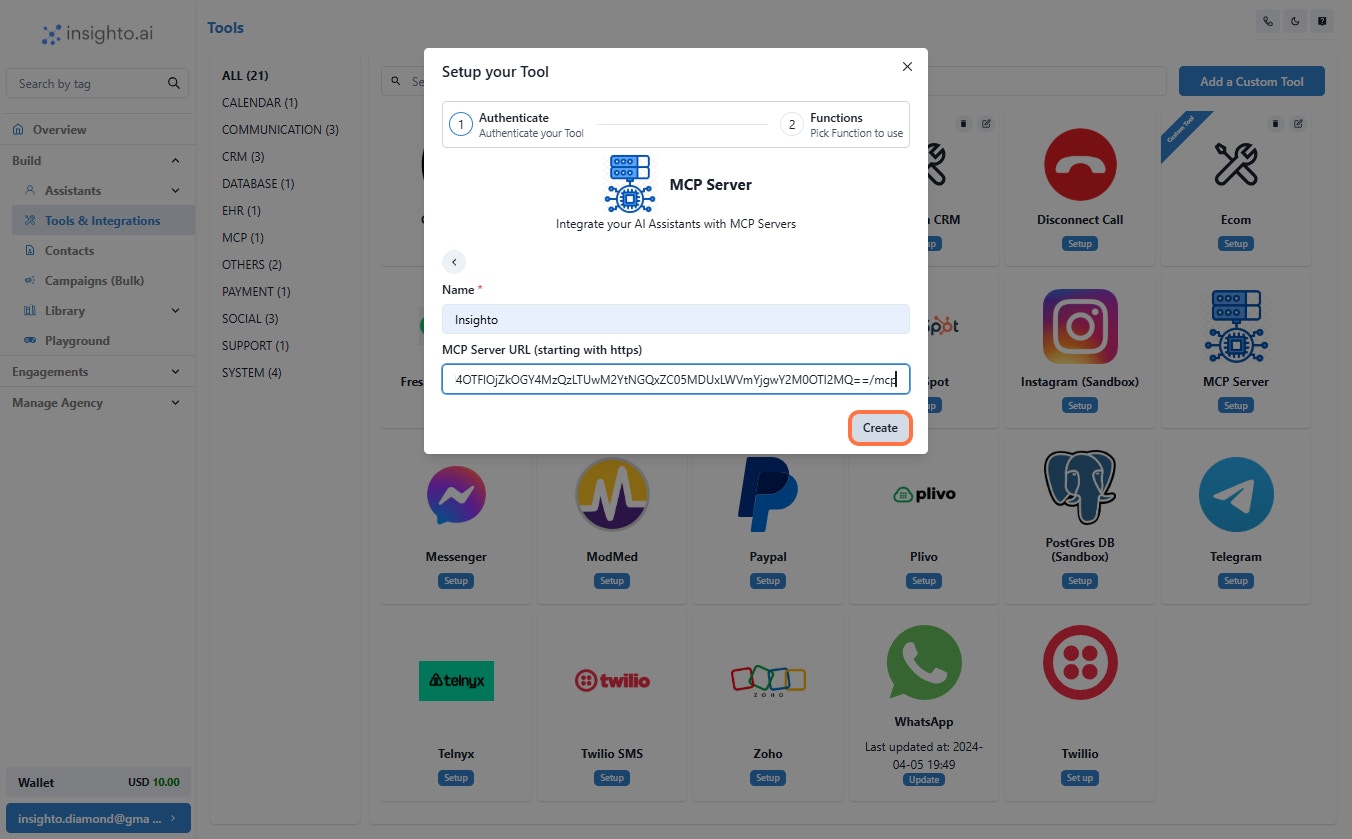
- Click on Create
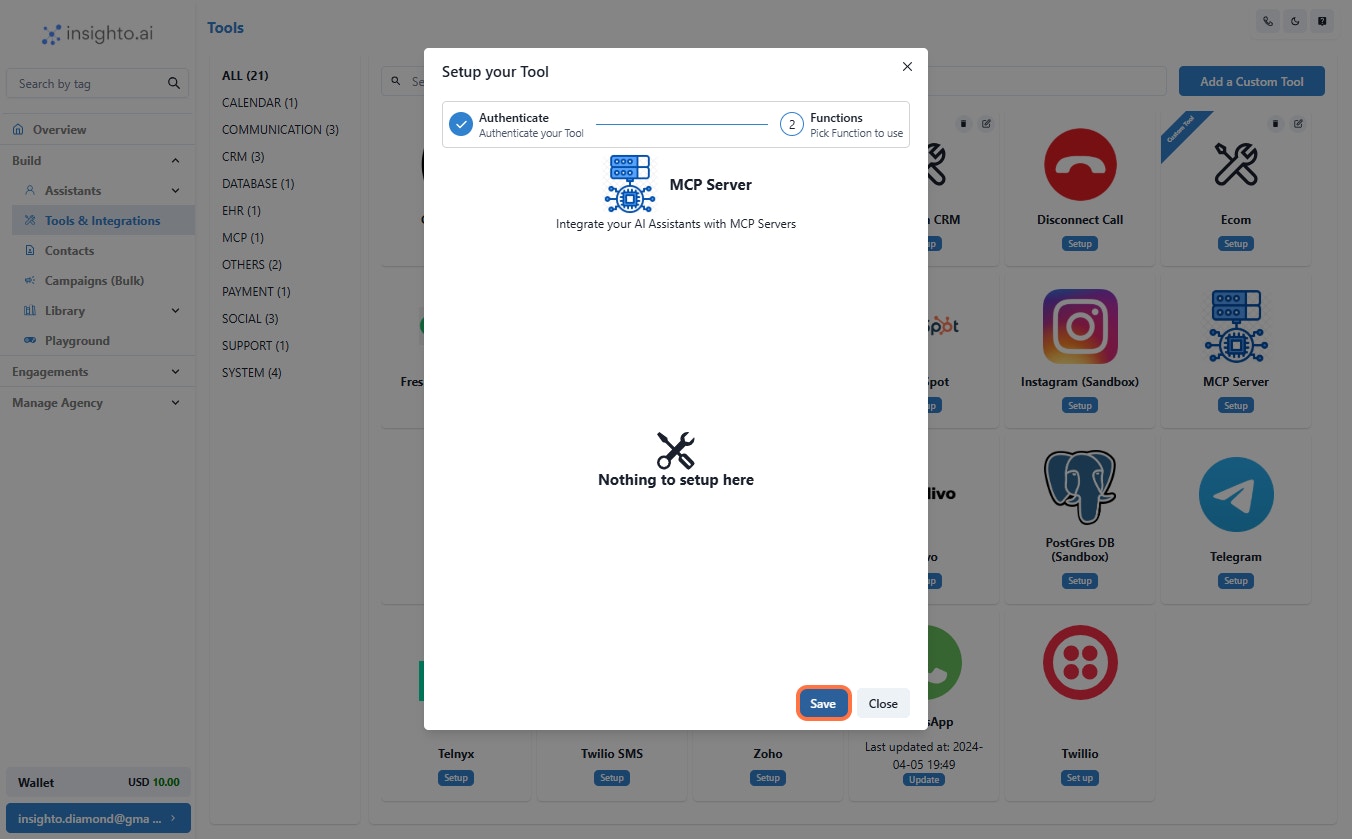
- Click on Save
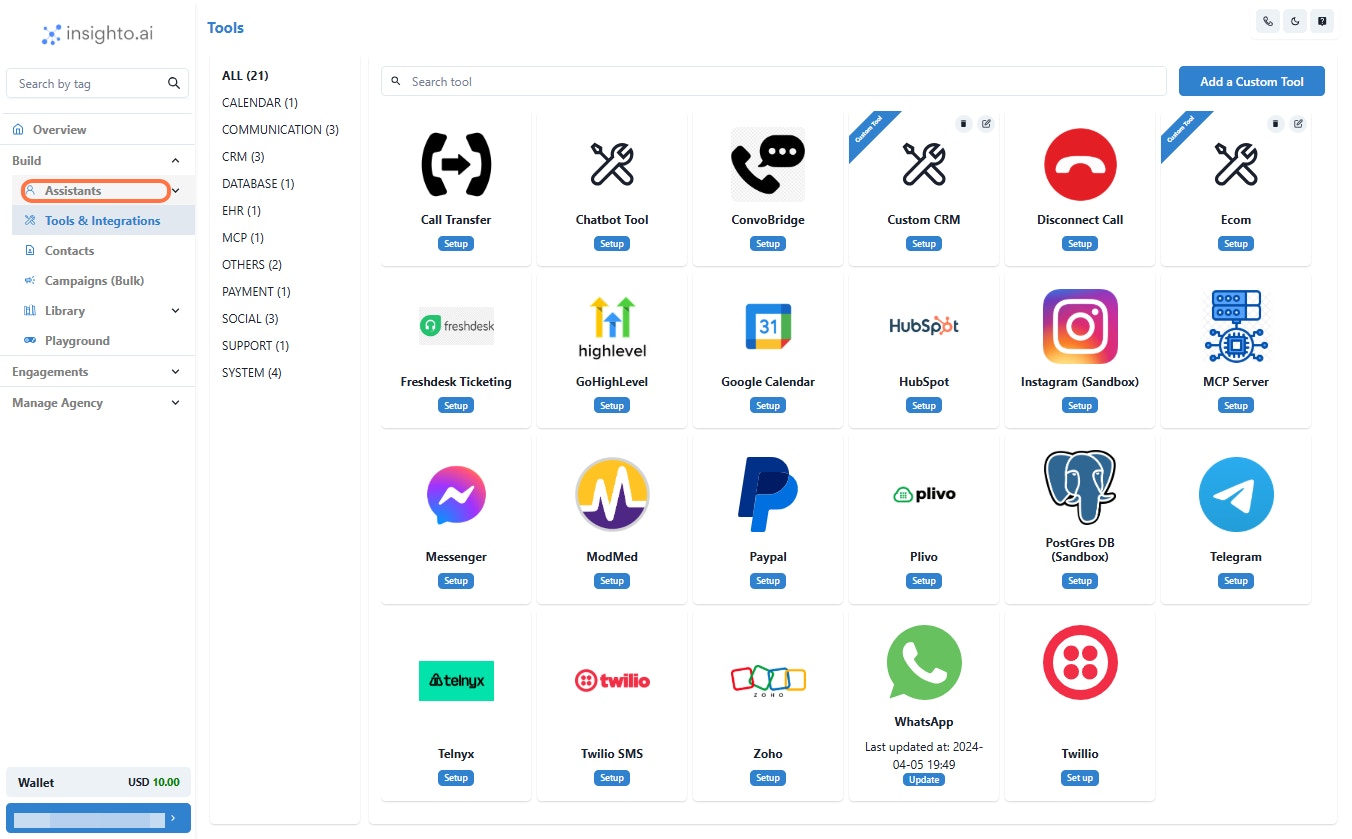
- Click on Assistants
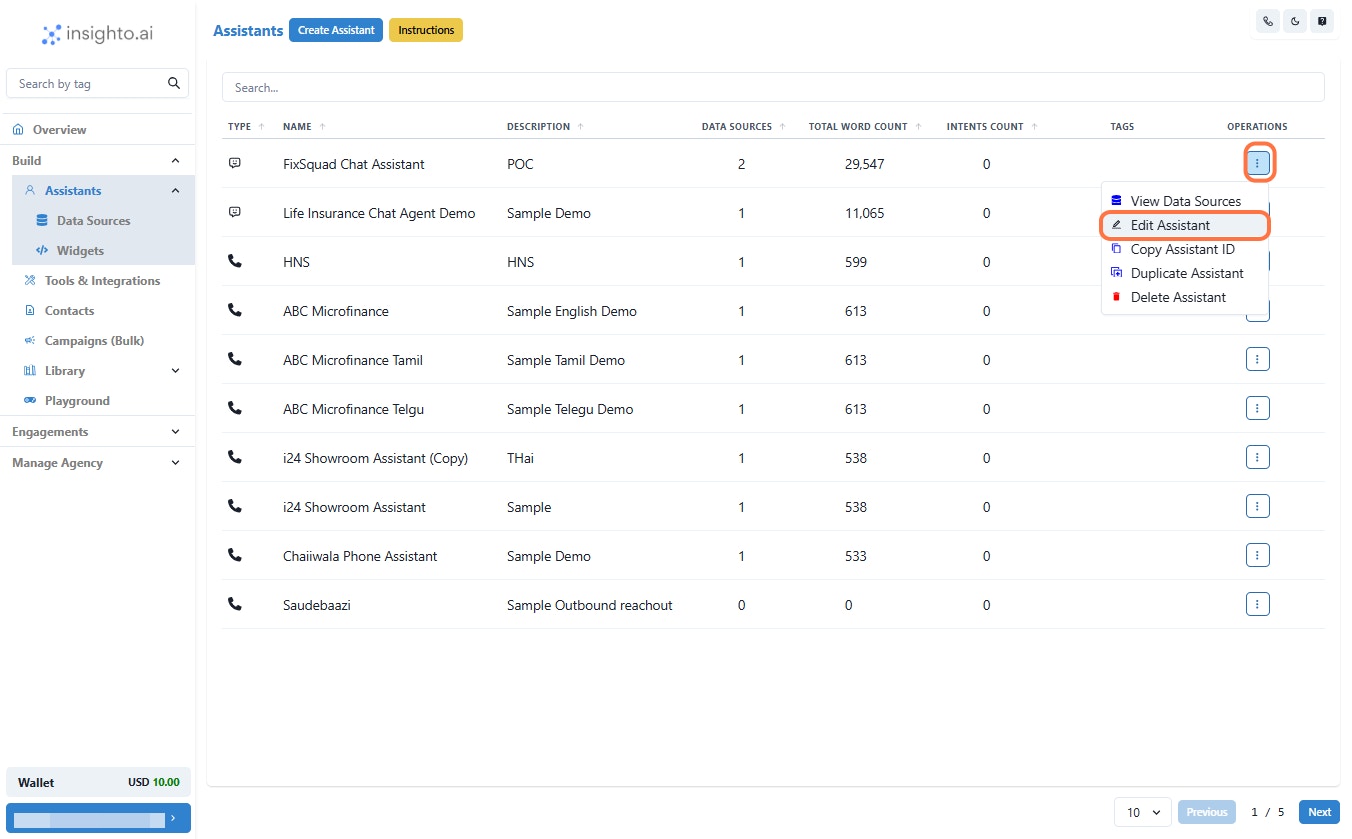
- Click on Edit Assistant
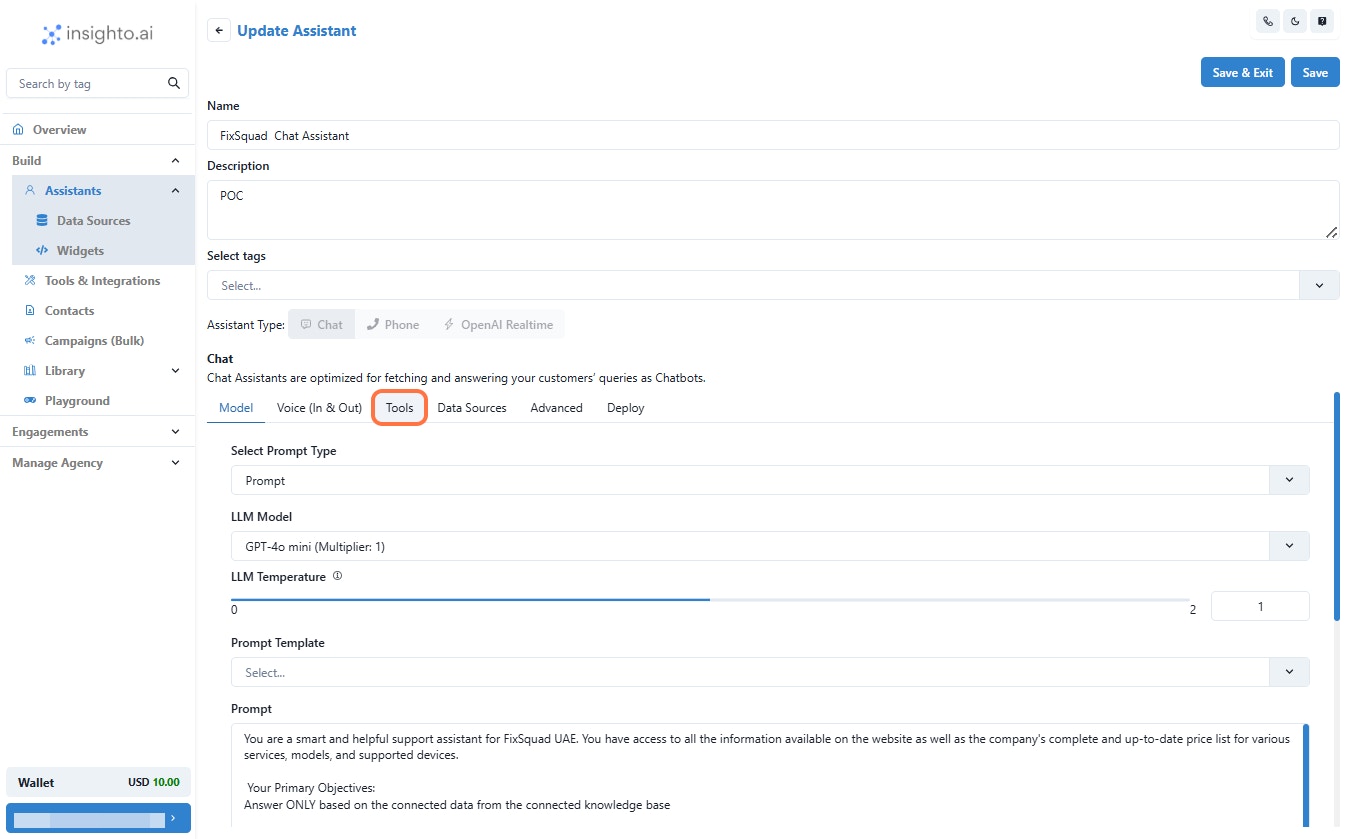
- Click on Tools
- Click on Connect Tools
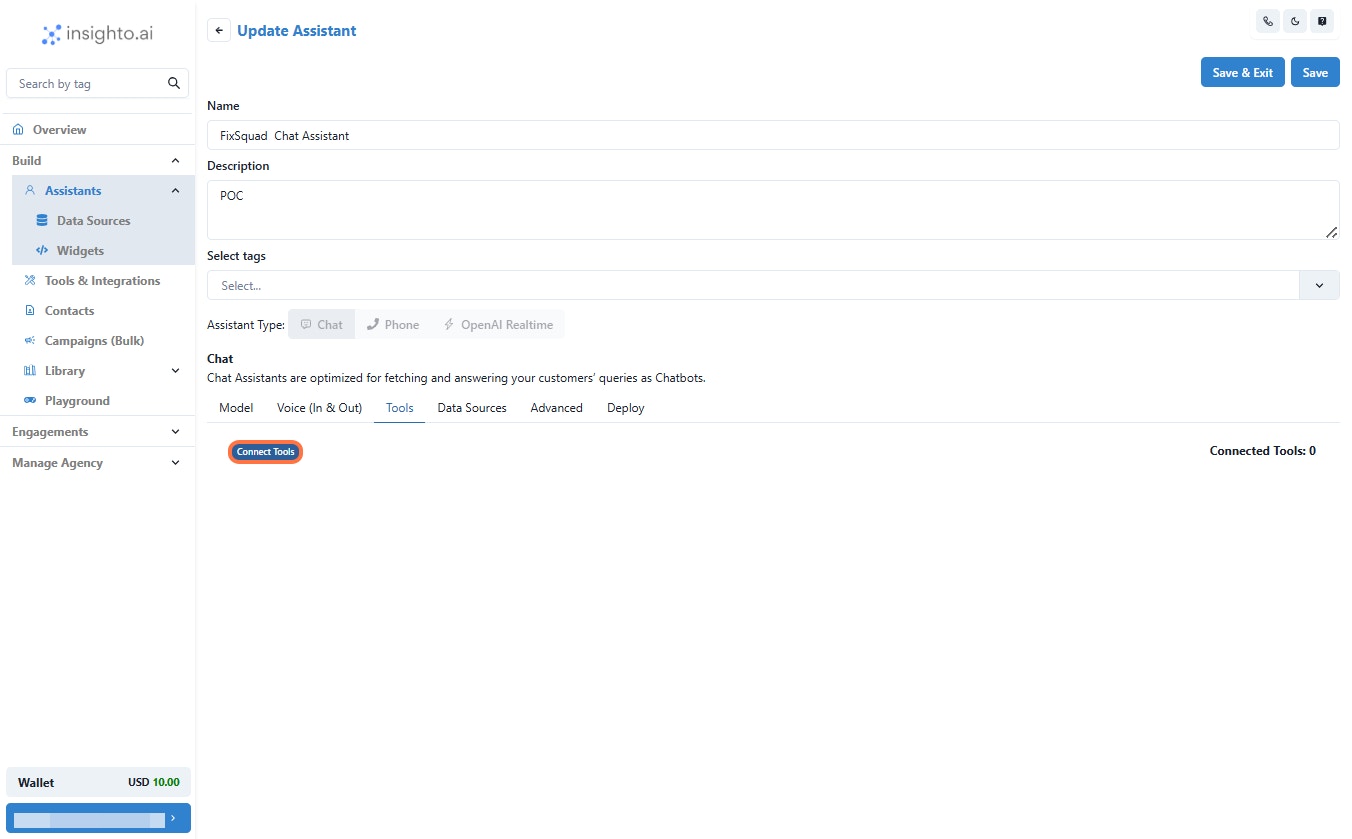
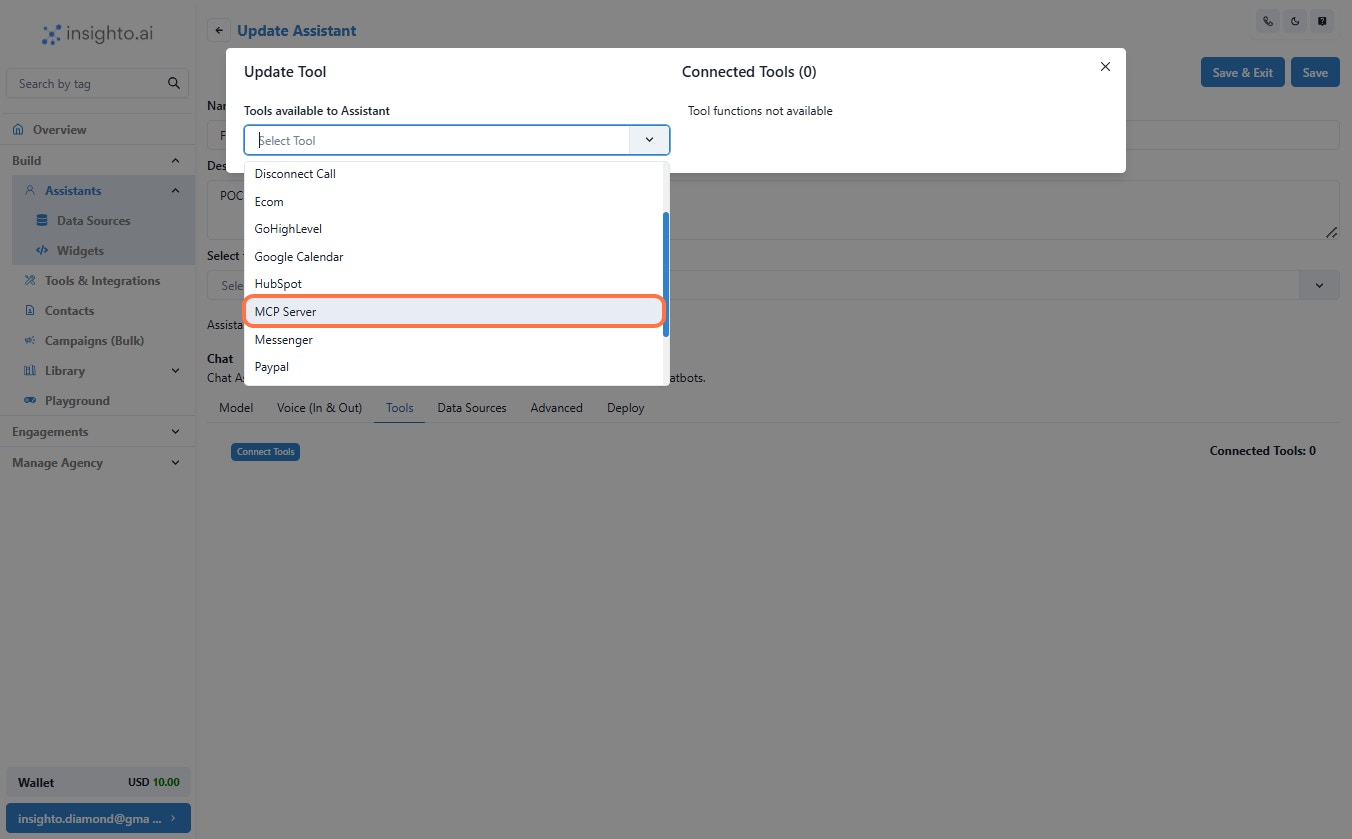
- Click on MCP Server from the drop down
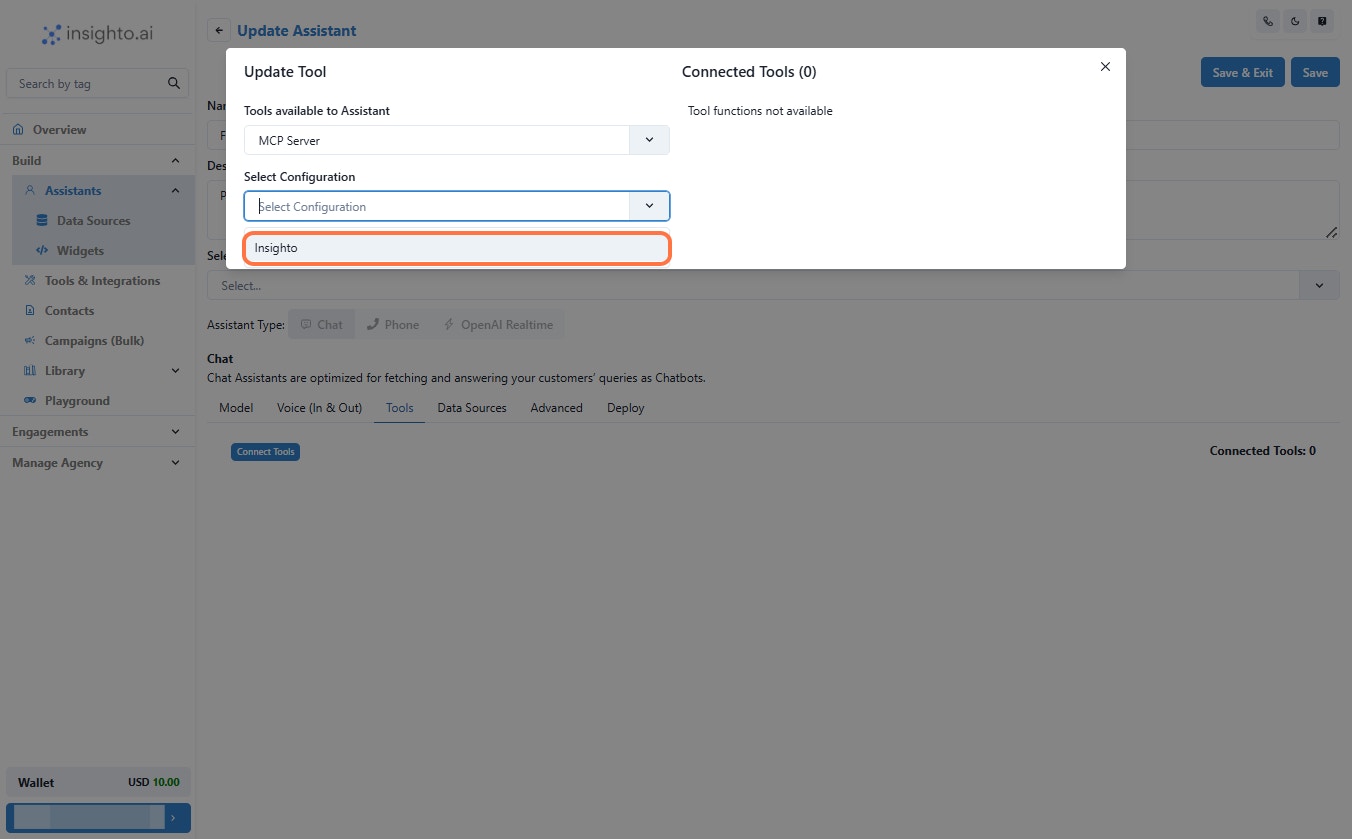
- Select Configuration
- By following these steps—navigating through Tools & Integrations, setting up or editing your MCP server, and managing your AI assistants—you can seamlessly connect and configure your AI agents with the tools they need.