

🔌 Connect HubSpot Account
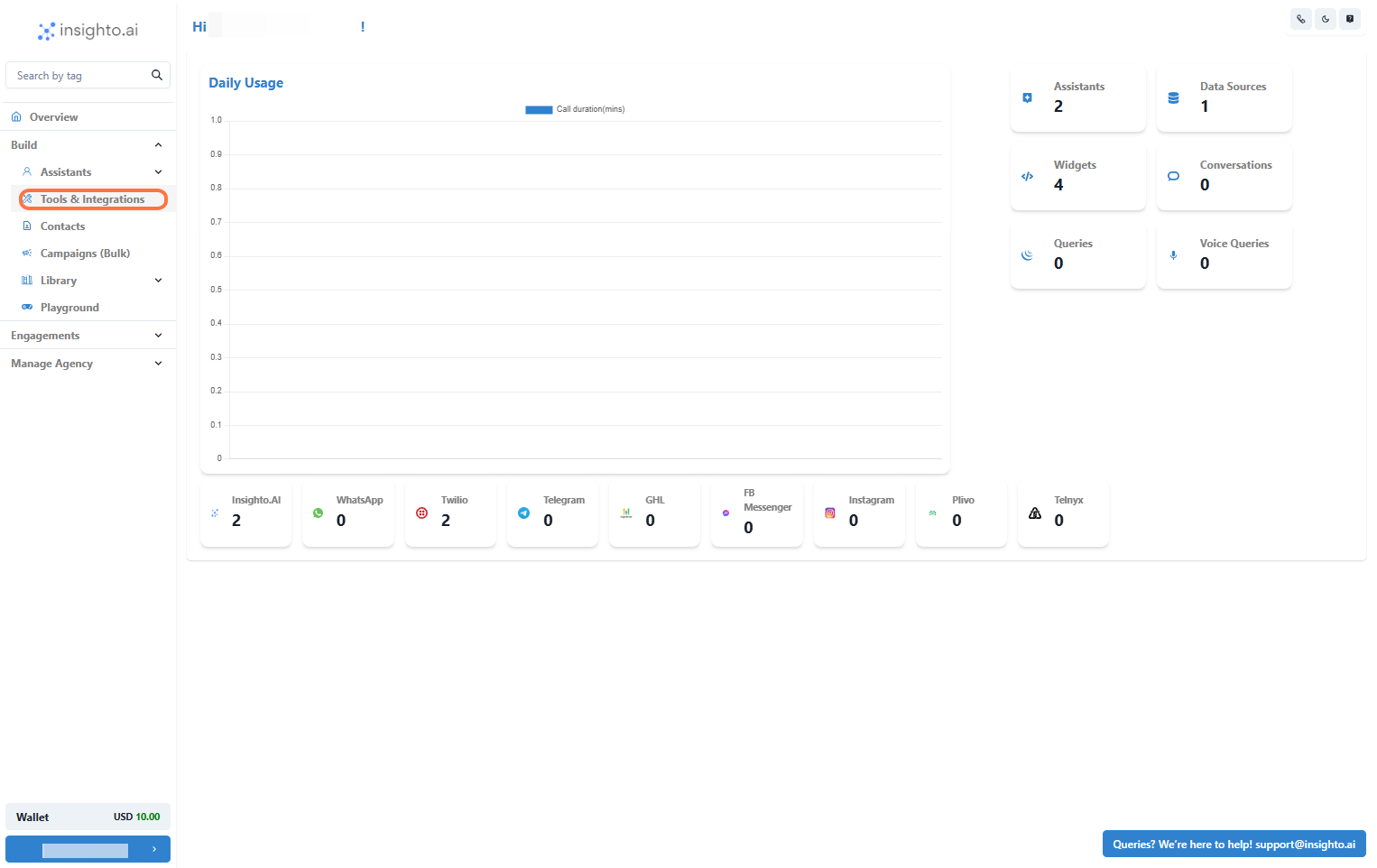
- Go to Tools & Integration
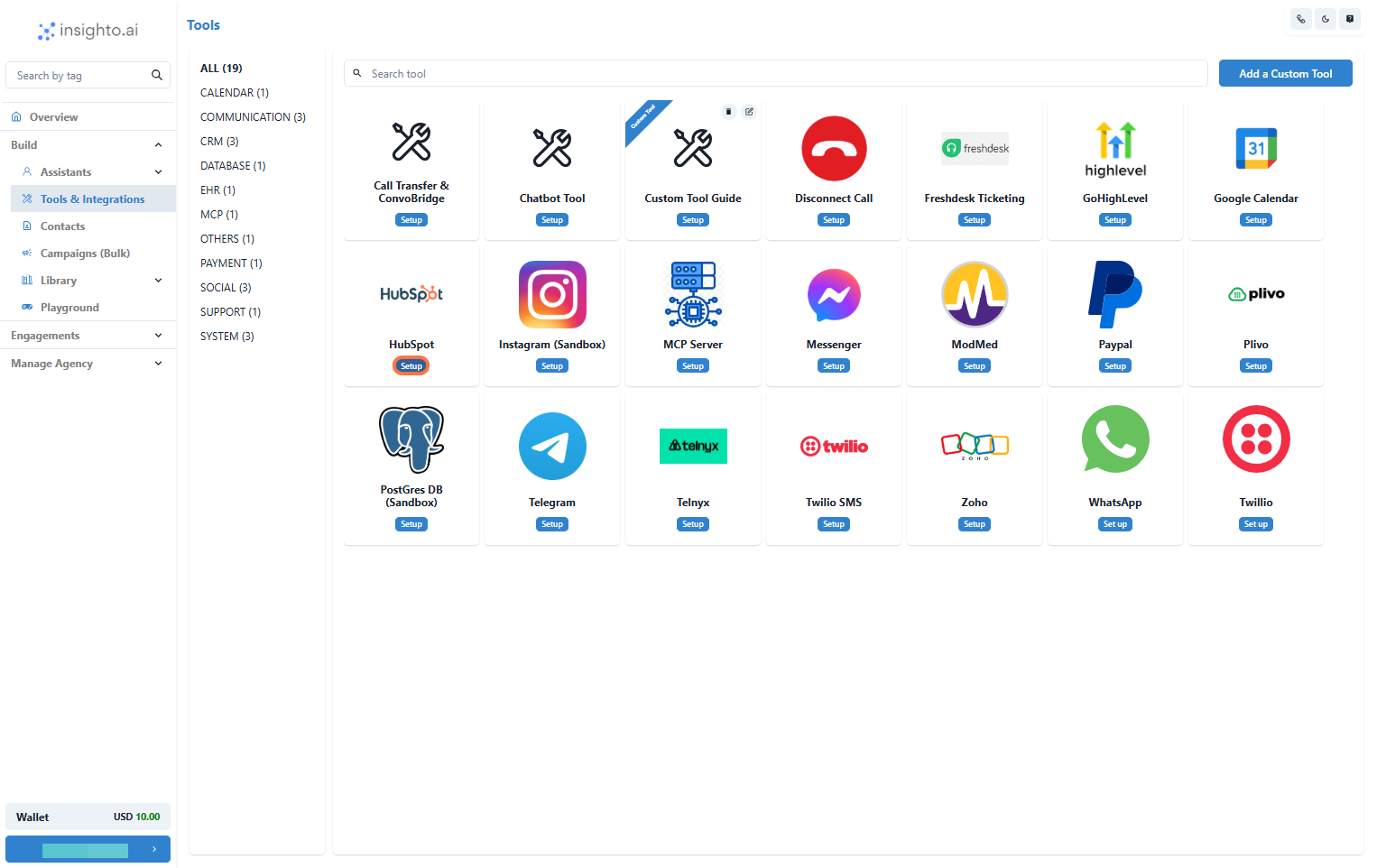
- Locate the HubSpot Tool and Click Set Up
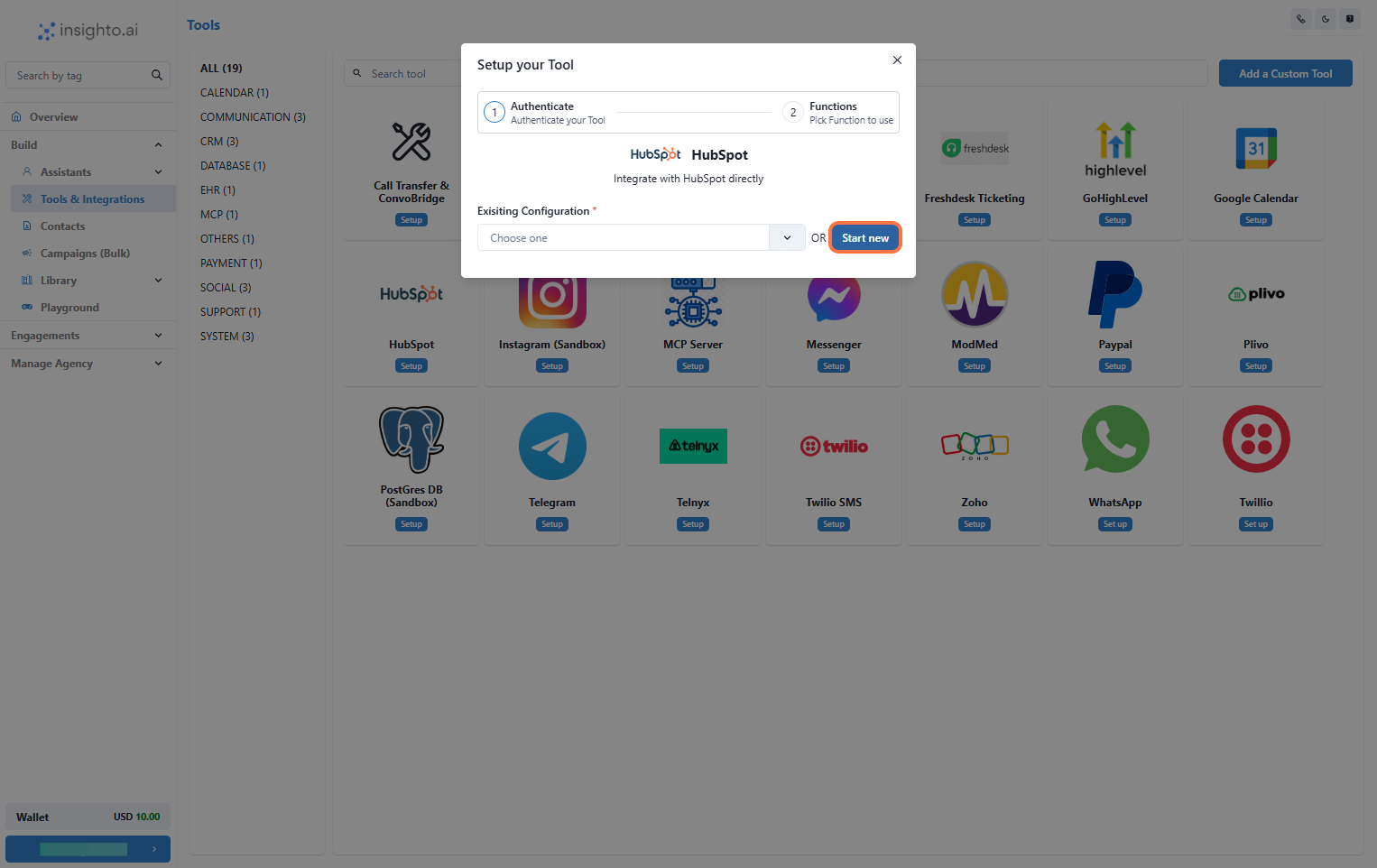
- Click on Start New
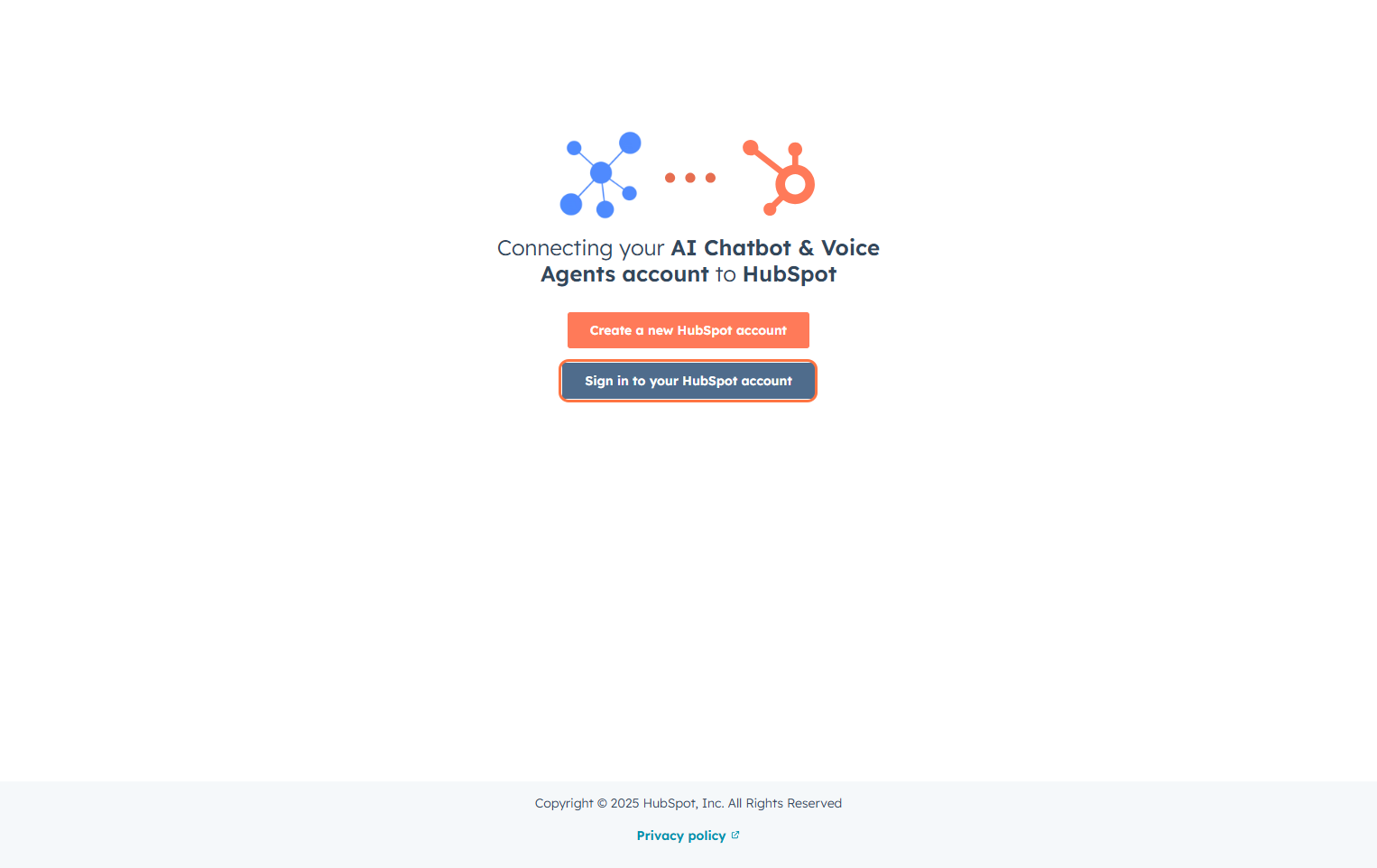
- Log In to HubSpot Account
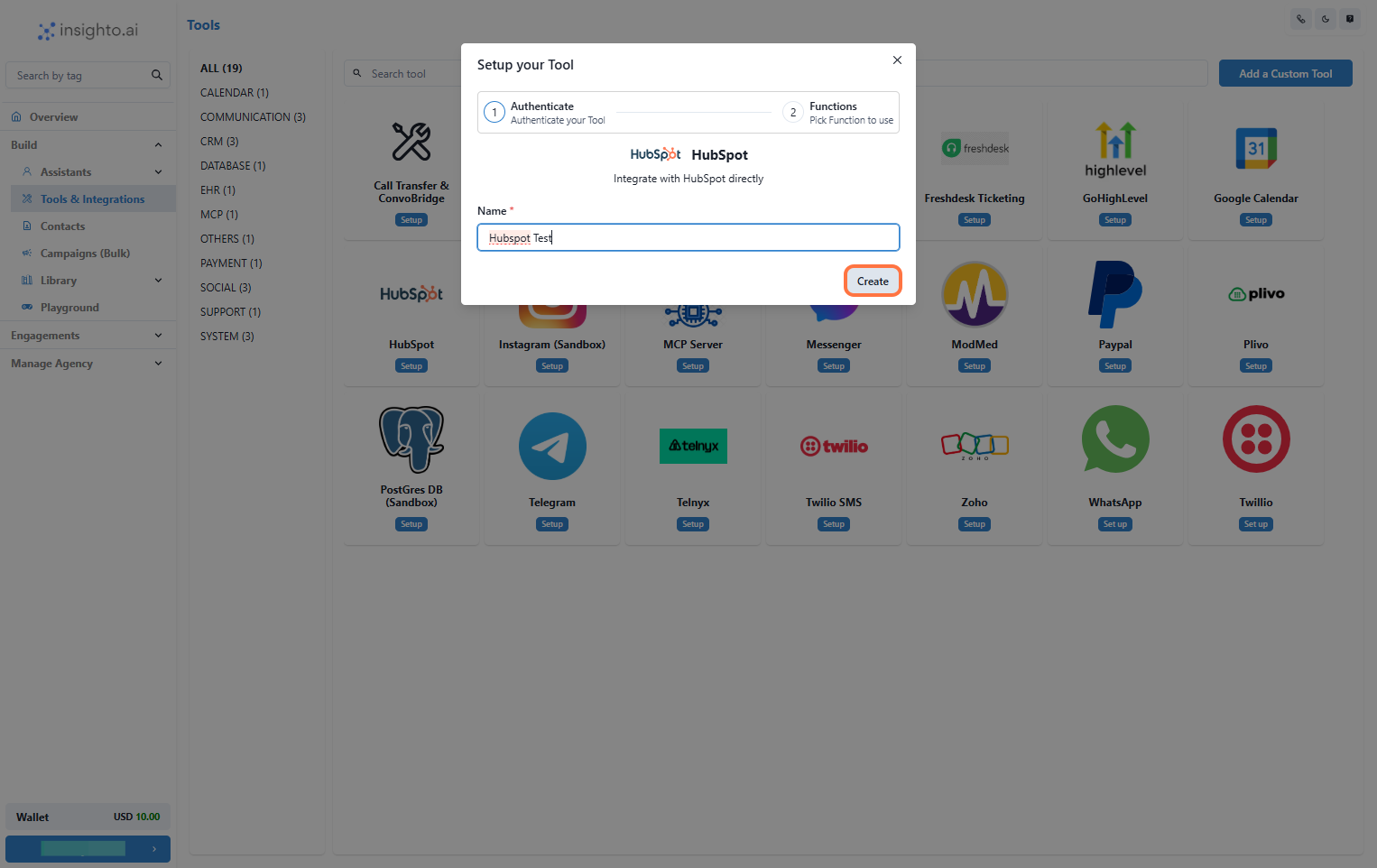
- Name Your Configuration and Click Create
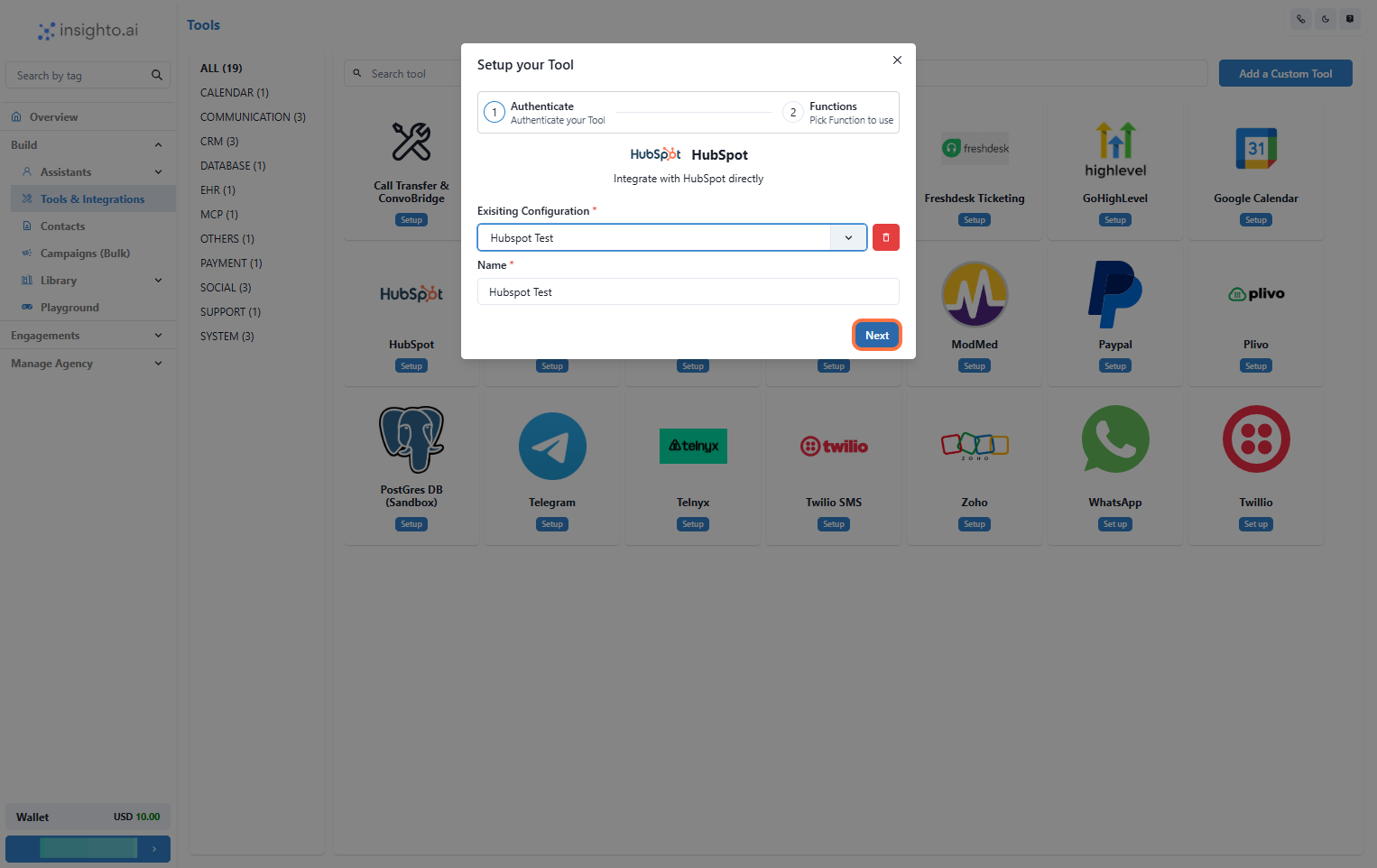
- Select the Configuration and Click Next
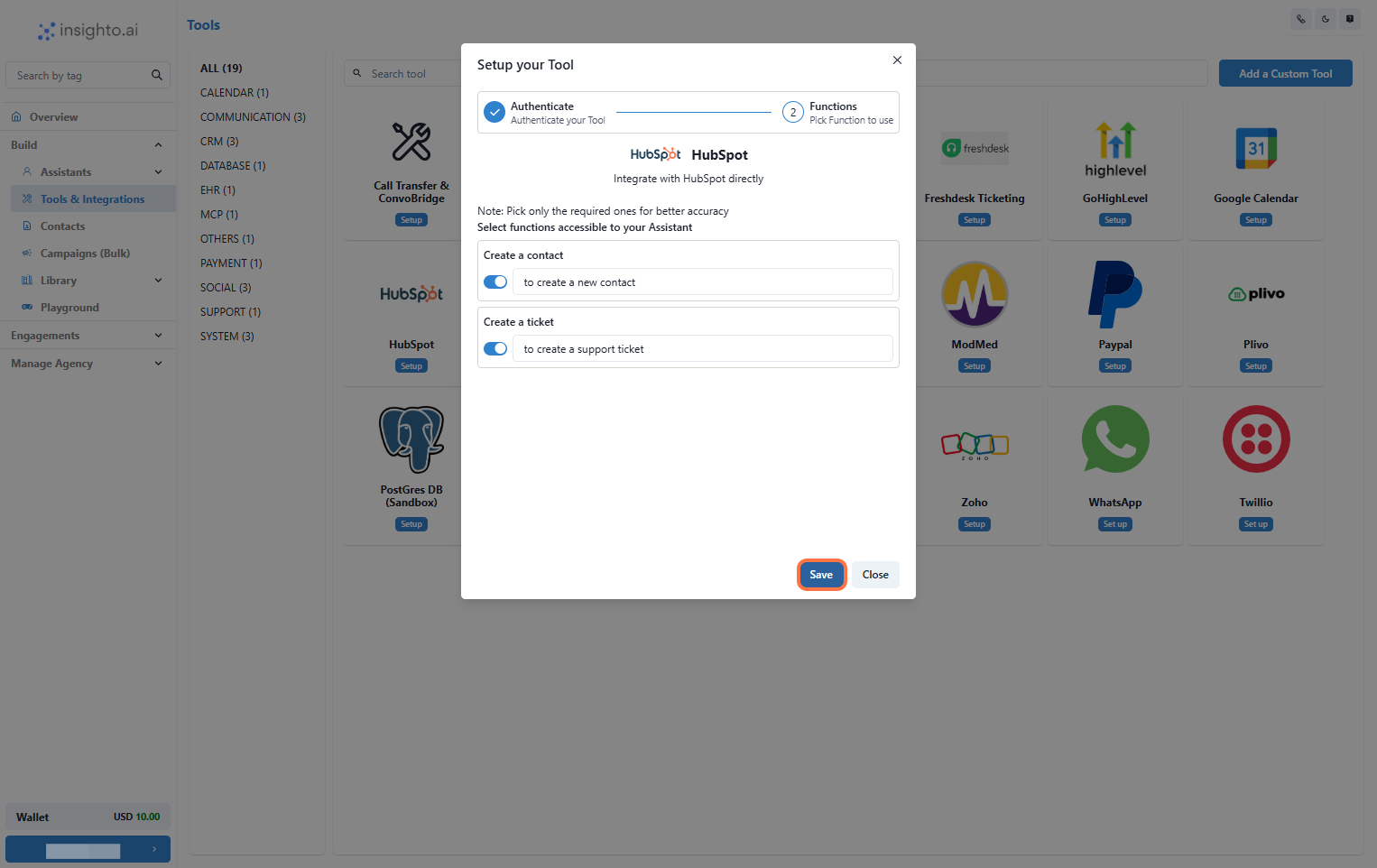
- Enable Required Functions and Save
📝 Connect with Forms
- Connect the Tool to an Existing Form
- Use the Connect Tool option in the form’s settings to link it to HubSpot.
- Map the form fields (like name, email, issue details) to the corresponding fields in HubSpot.

🤖 Connect with Assistant
- Connect the Tool to an Assistant
- Go to the assistant’s settings and open the Tools tab.
- Select your HubSpot Tool from the list to connect it.
- Add prompts in the assistant that gather user information during conversations.
