

Setup GHL Tool
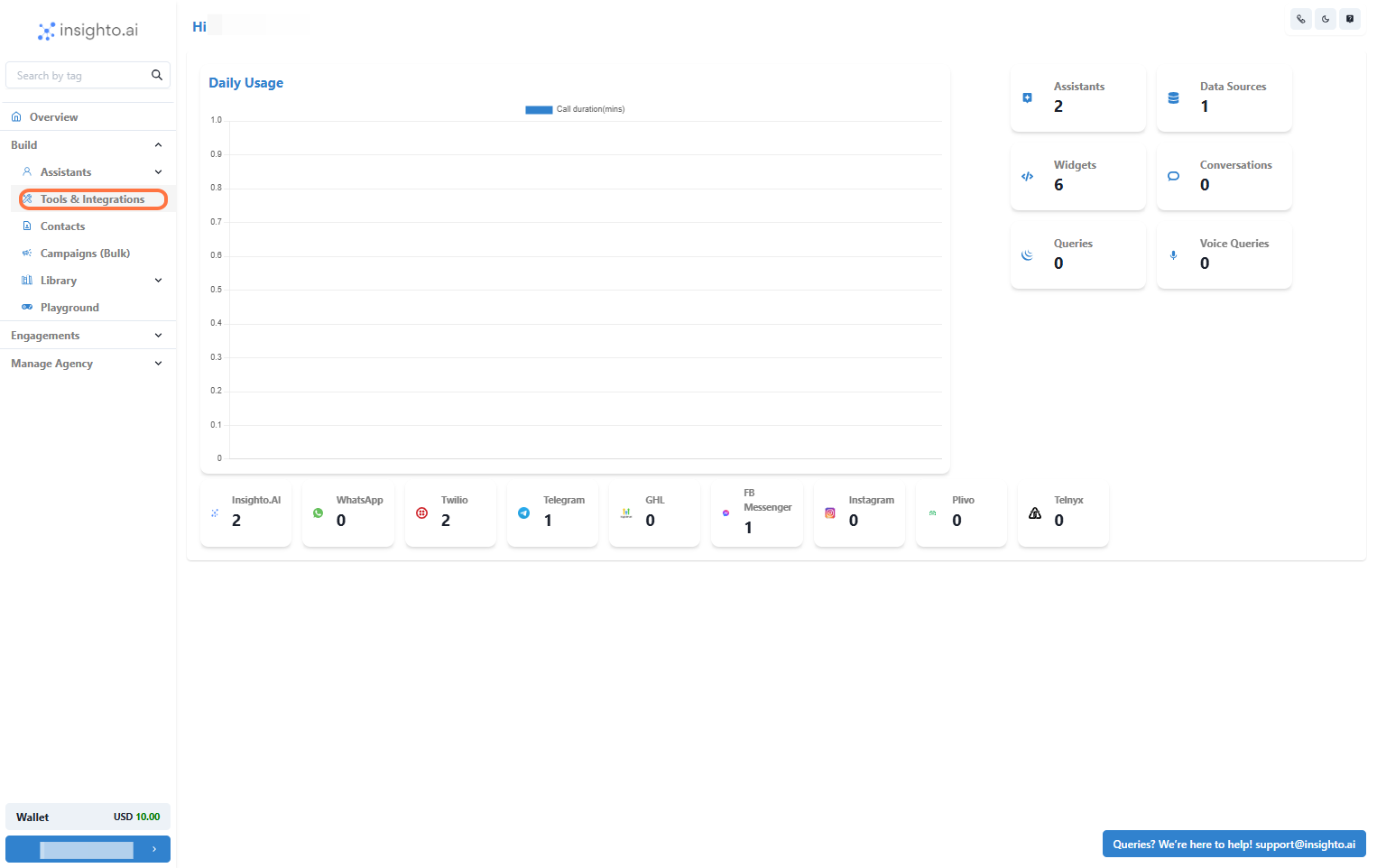
- Go to Tools & Integration
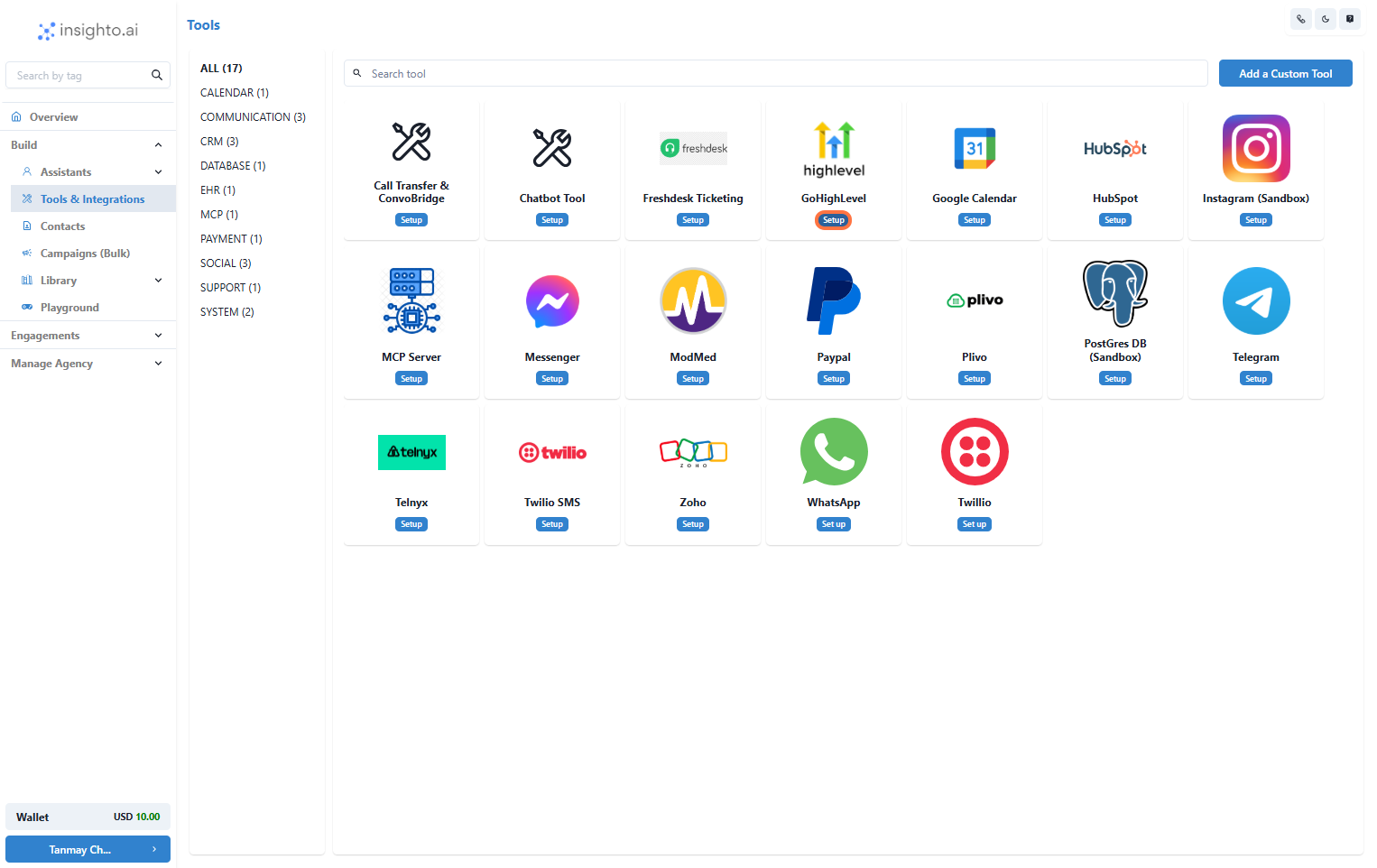
- Click on Set Up
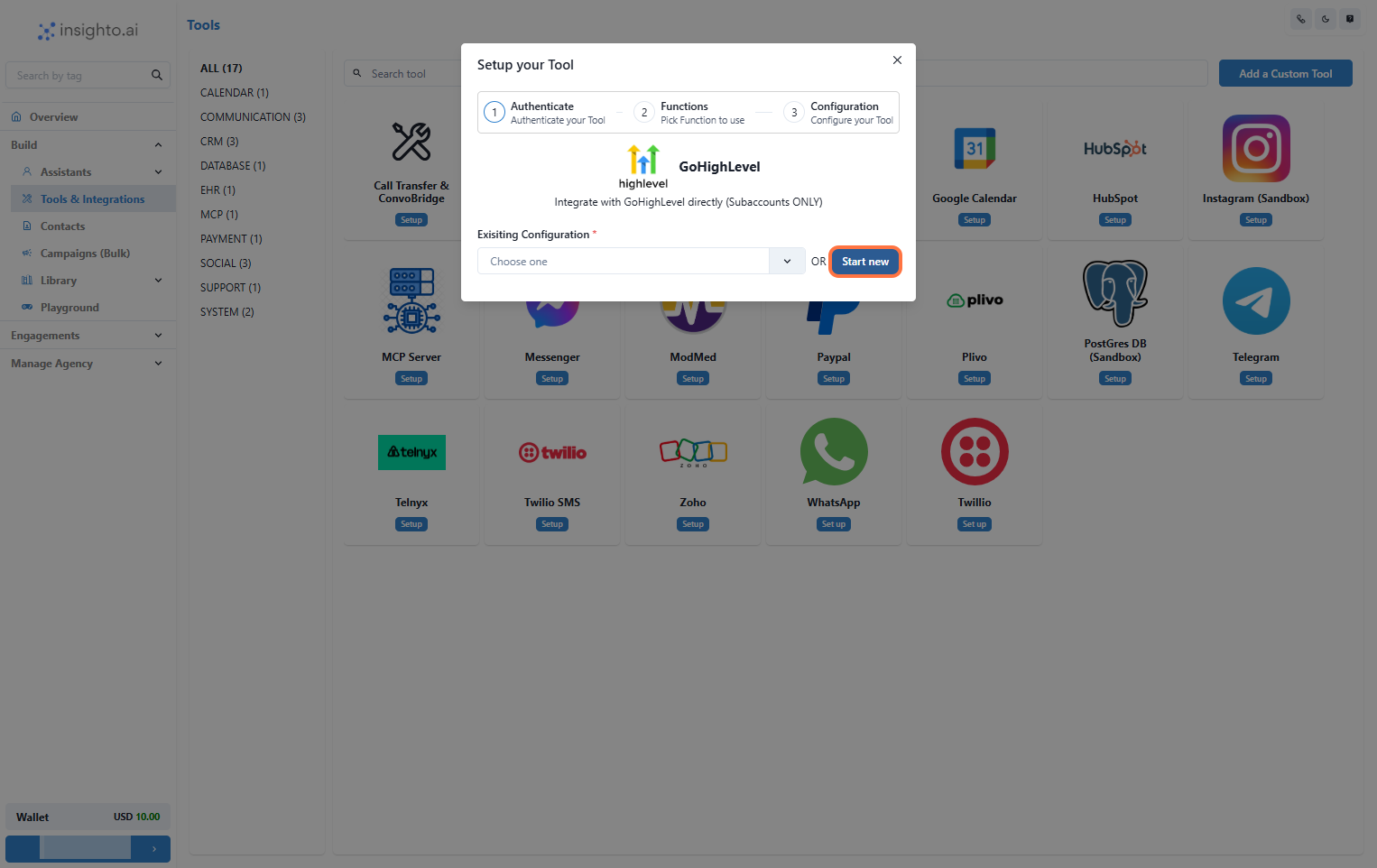
- Click on Start New
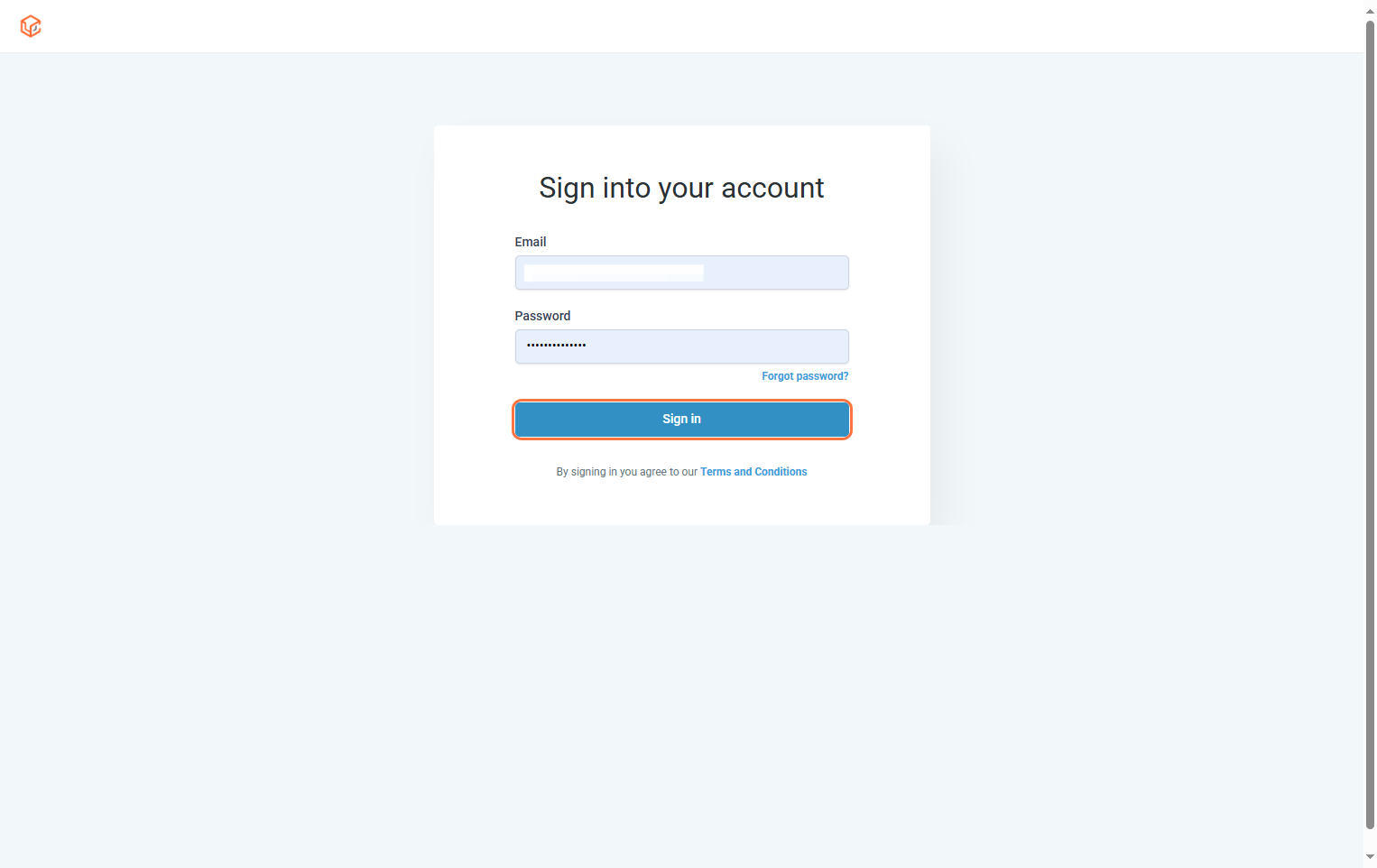
- Log In to GHL Agency Account
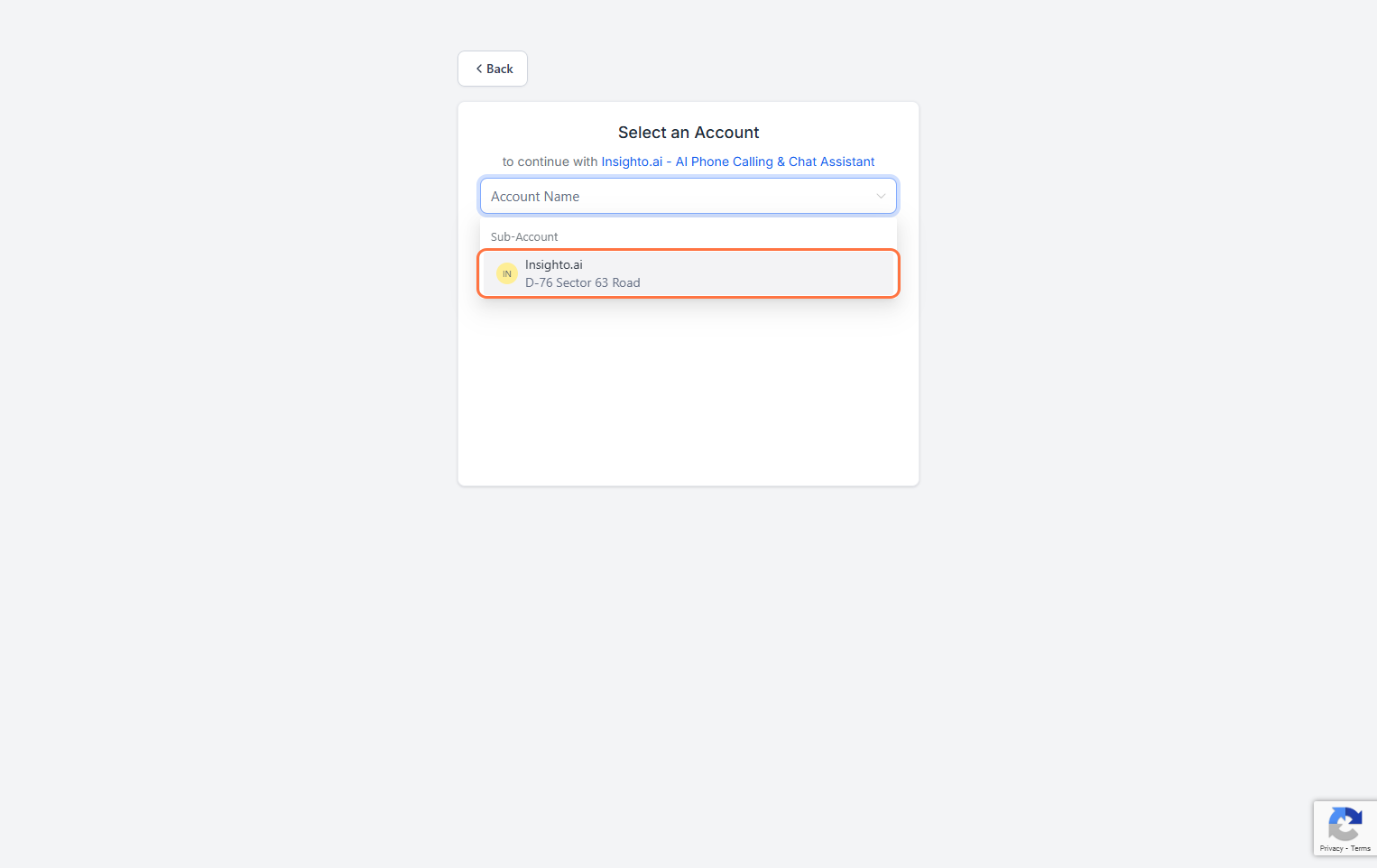
- Select a Subaccount
⚠️ Note: Only subaccounts can be integrated. Agency-level accounts are not supported.
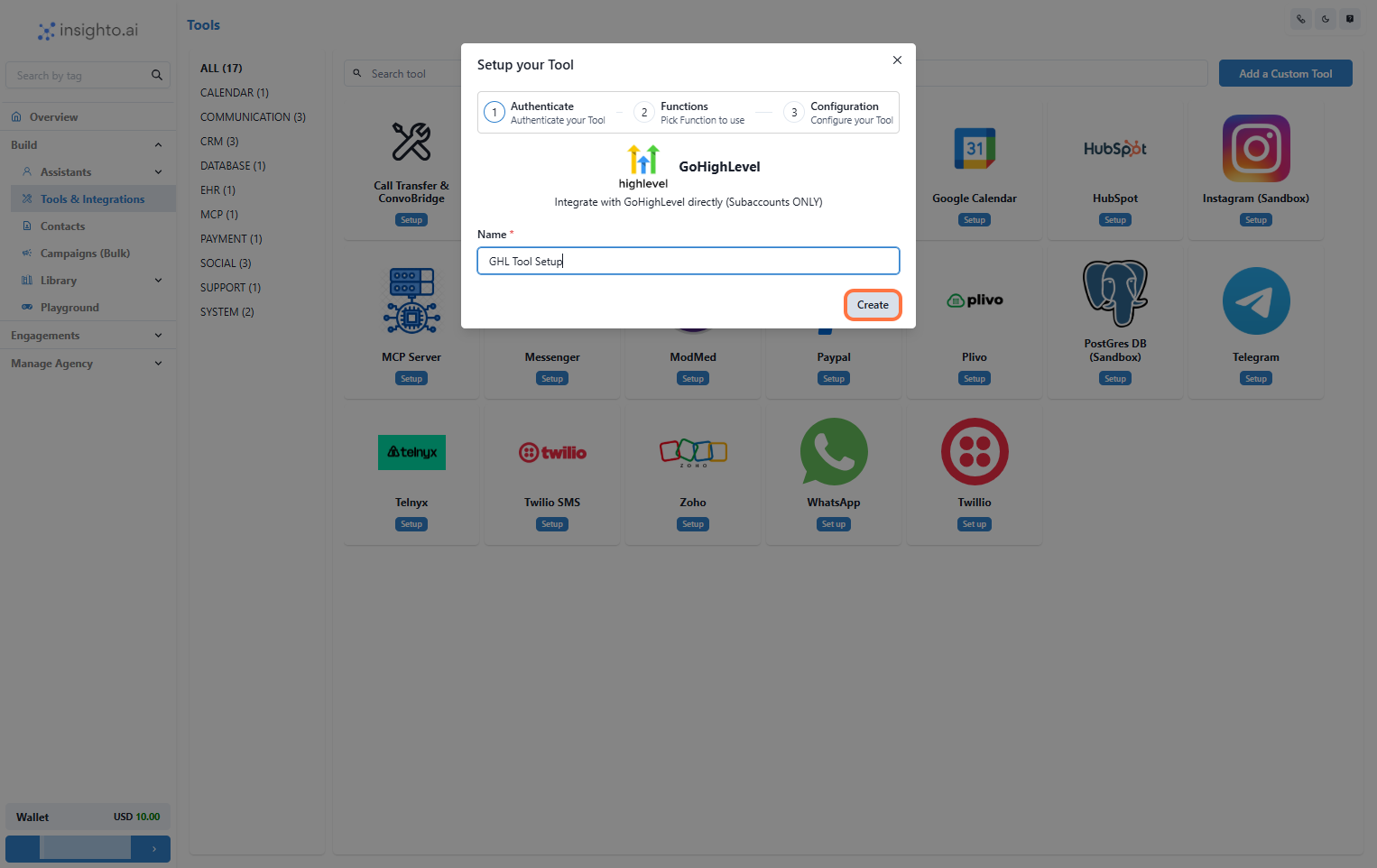
- Name Your Configuration and Click Create
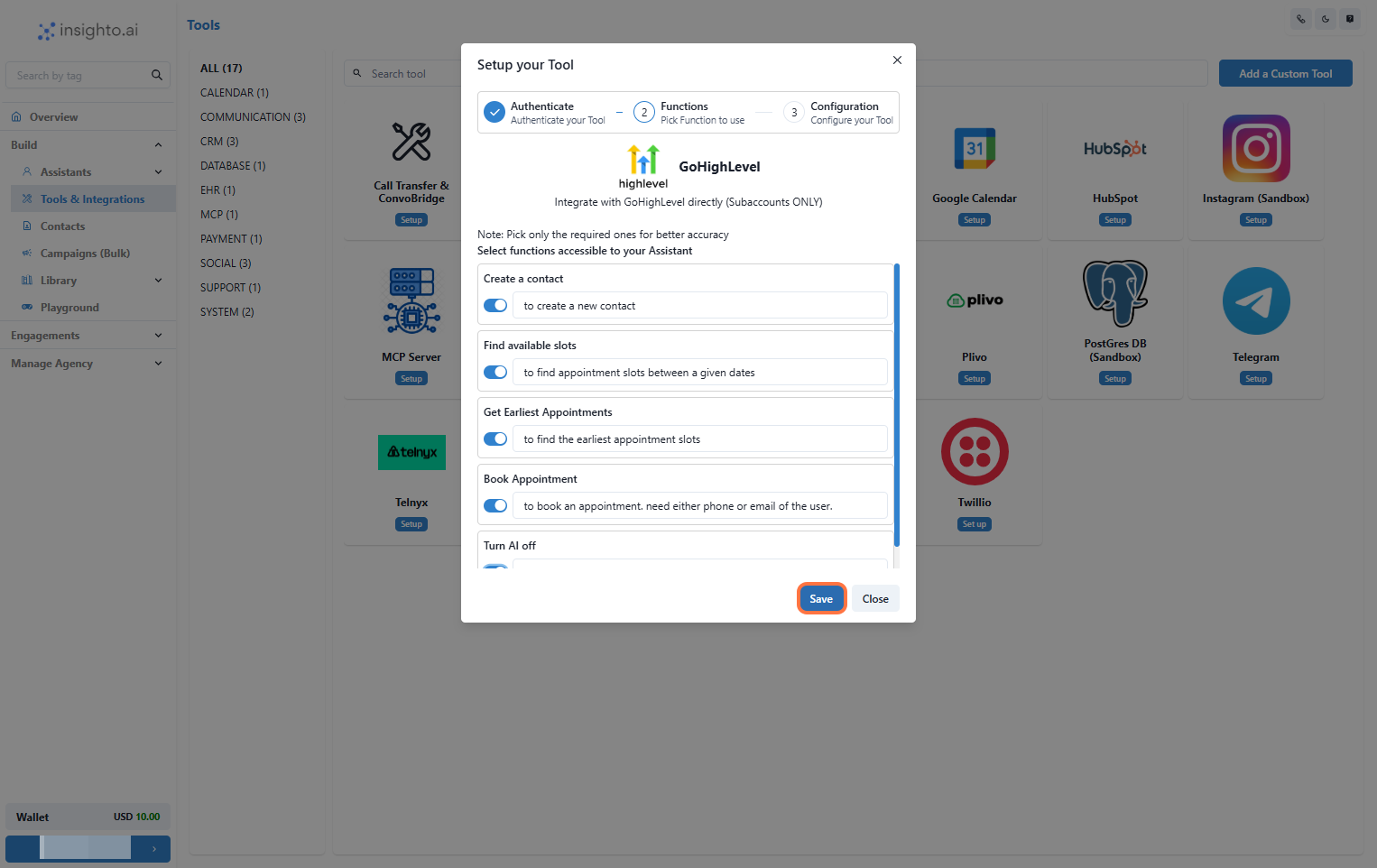
- Enable Required Functions and Save
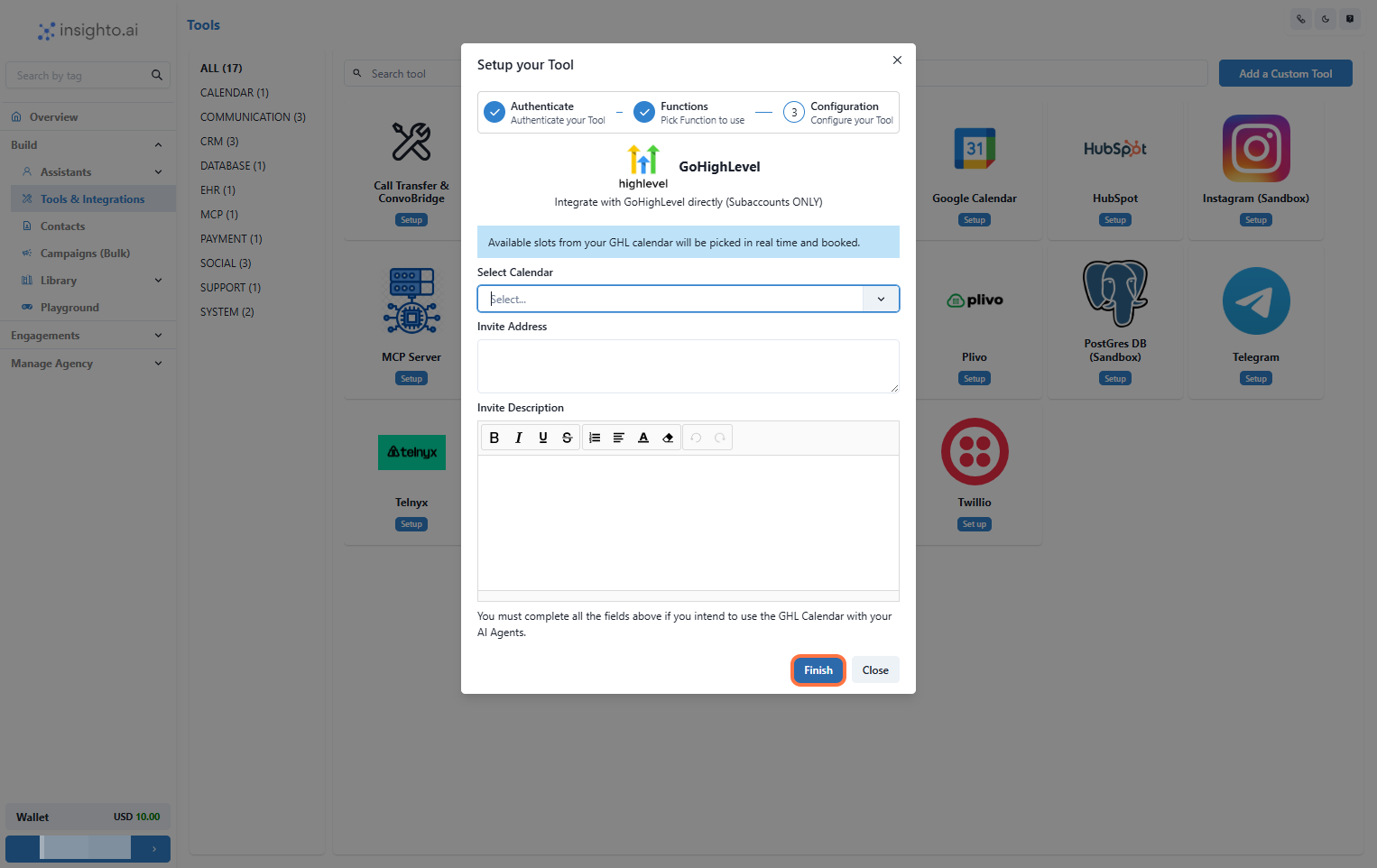
- Configure Calendar Preferences and Click Finish
- Select a calendar
- Invite address
- Invite description
Connect With Any Assistant to Use Calendar Functionality
- Edit Any Existing Assistant
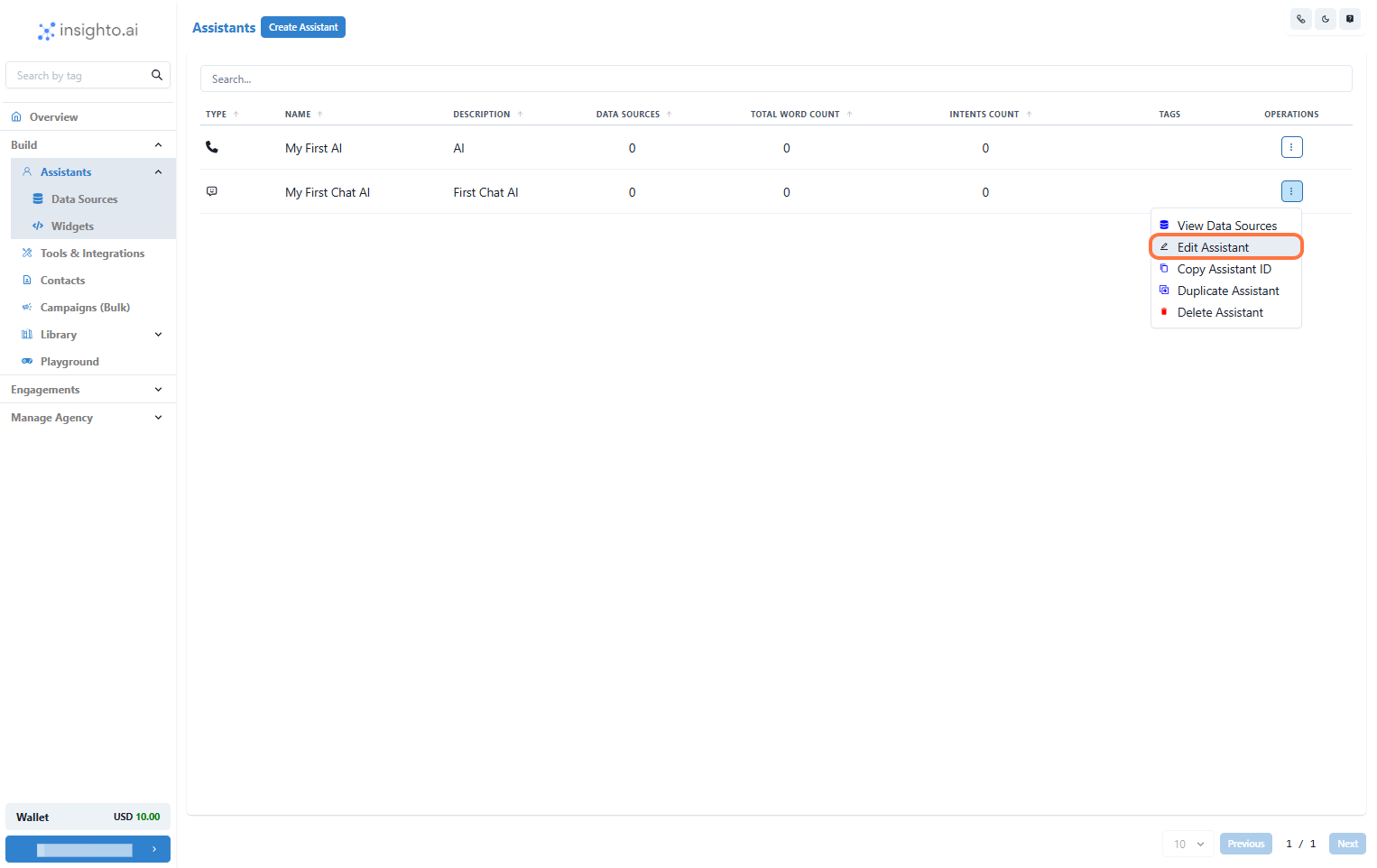
- Click on Connect Tools
- Click Connect Tool
- Select GHL Tool as the tool type
- Choose your tool configuration
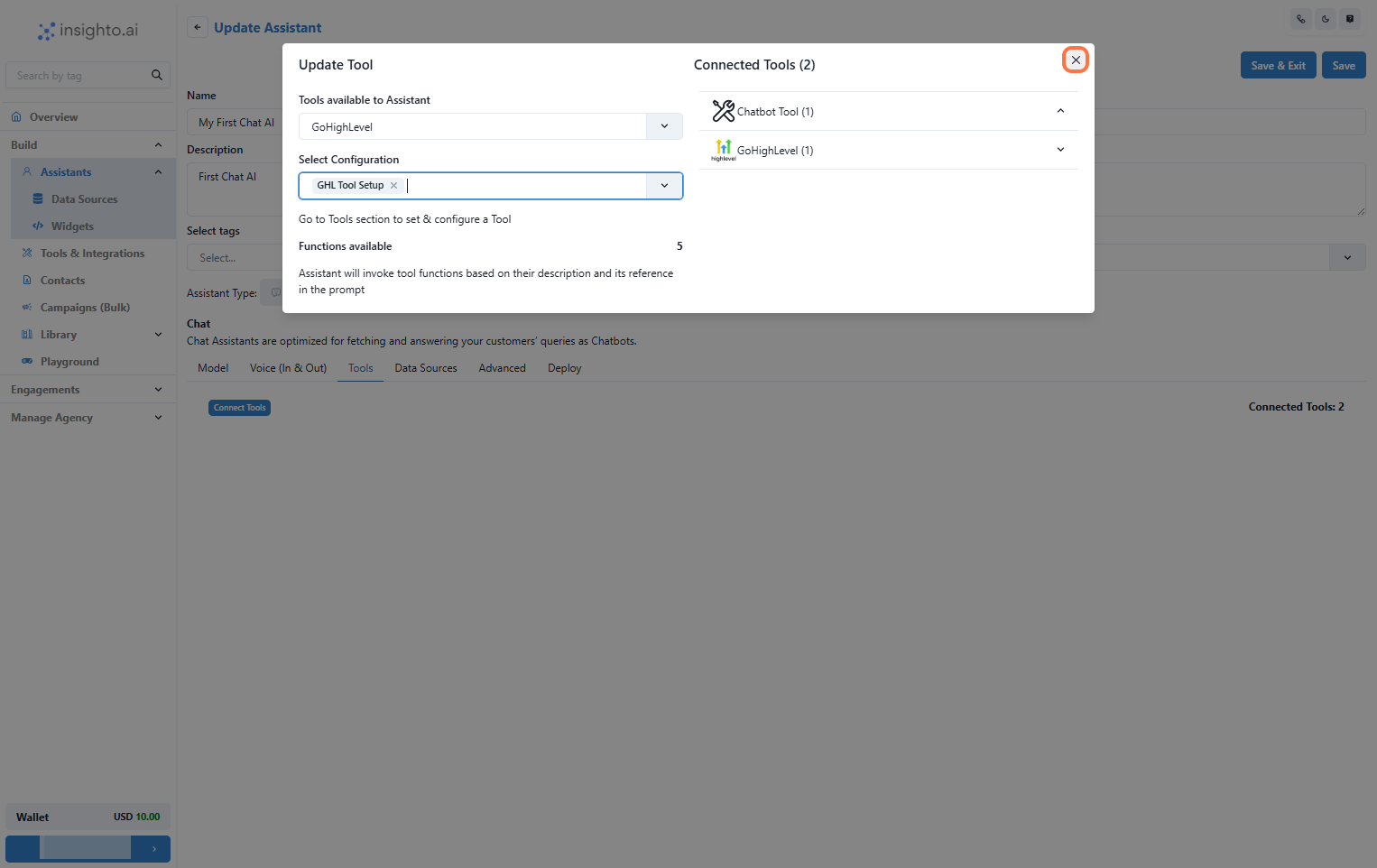
- Use Prompts to Trigger GHL Calendar Functions
- Check availability
- Book appointments
- Use other GHL calendar actions