🔧 Setup Postgres DB Tool
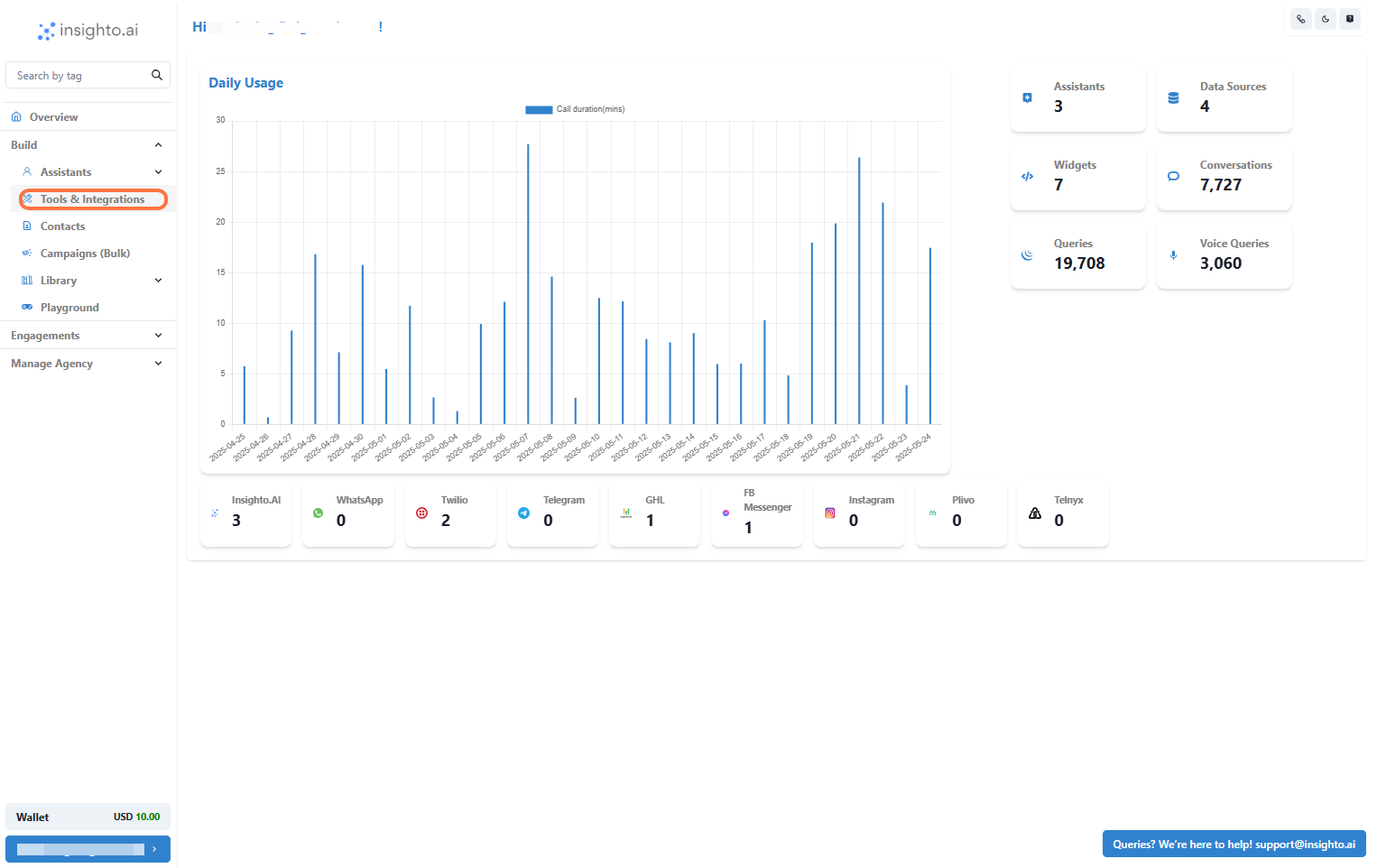
- Go to Tools & Integration
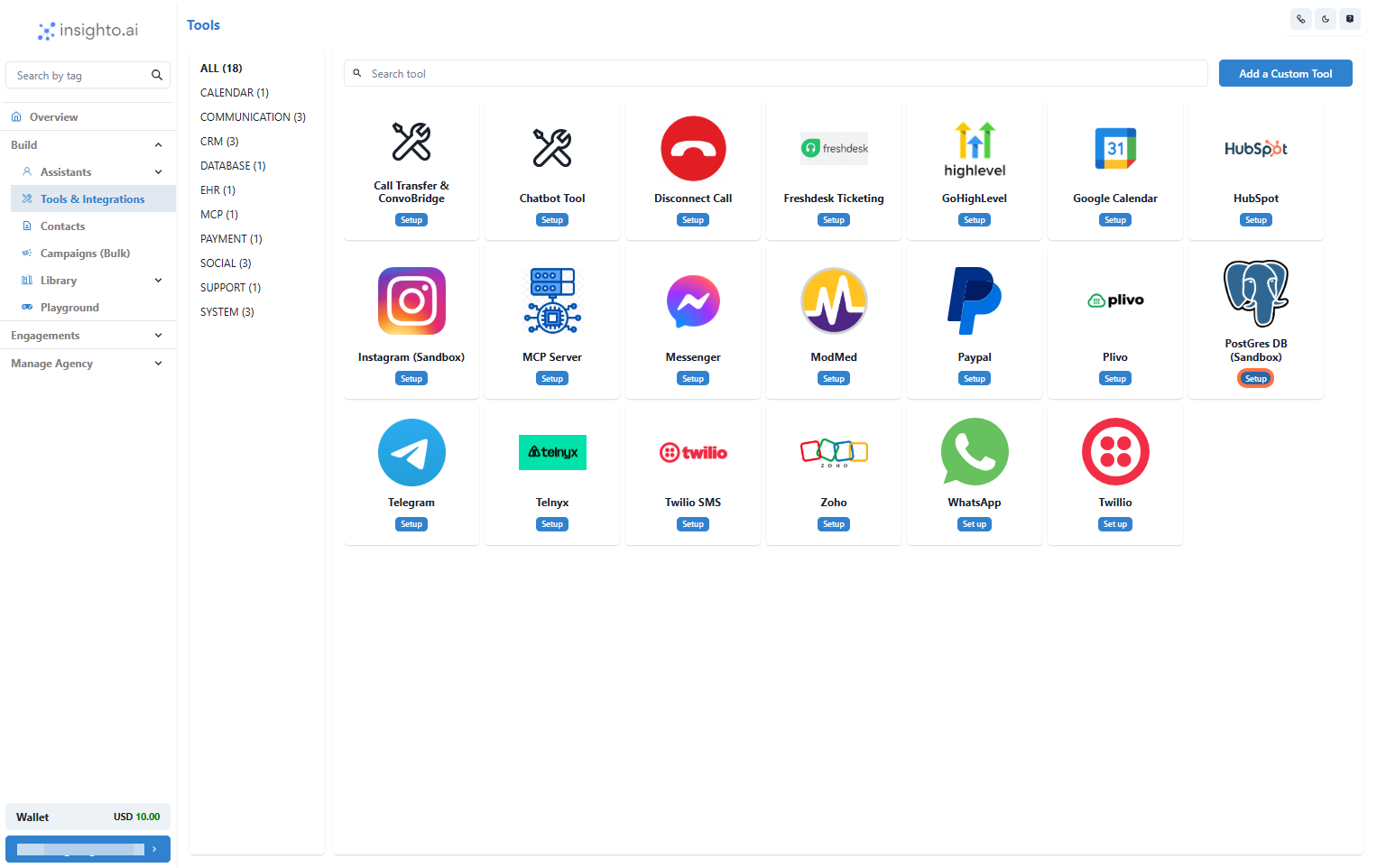
- Click on Set Up
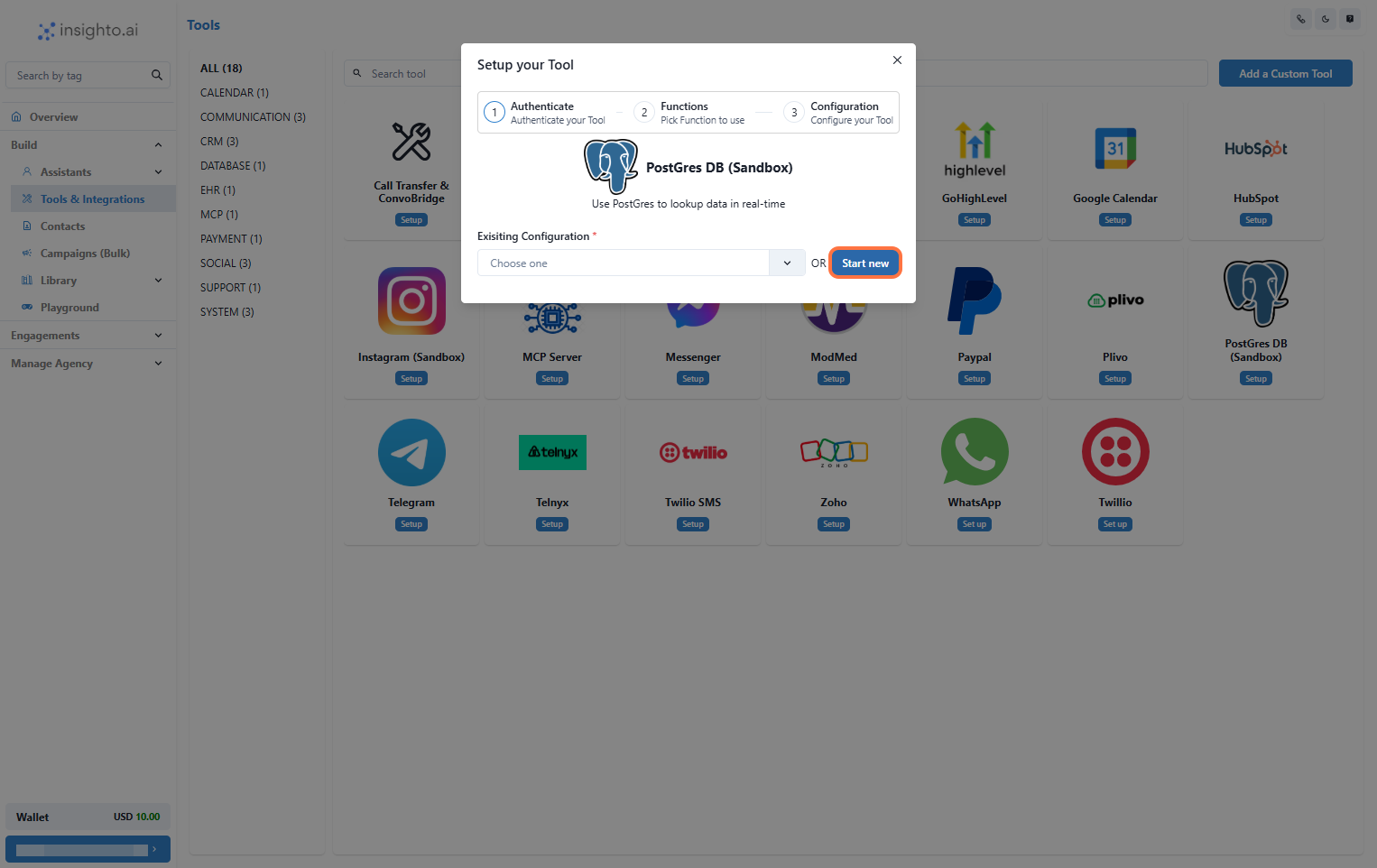
- Click on Start New
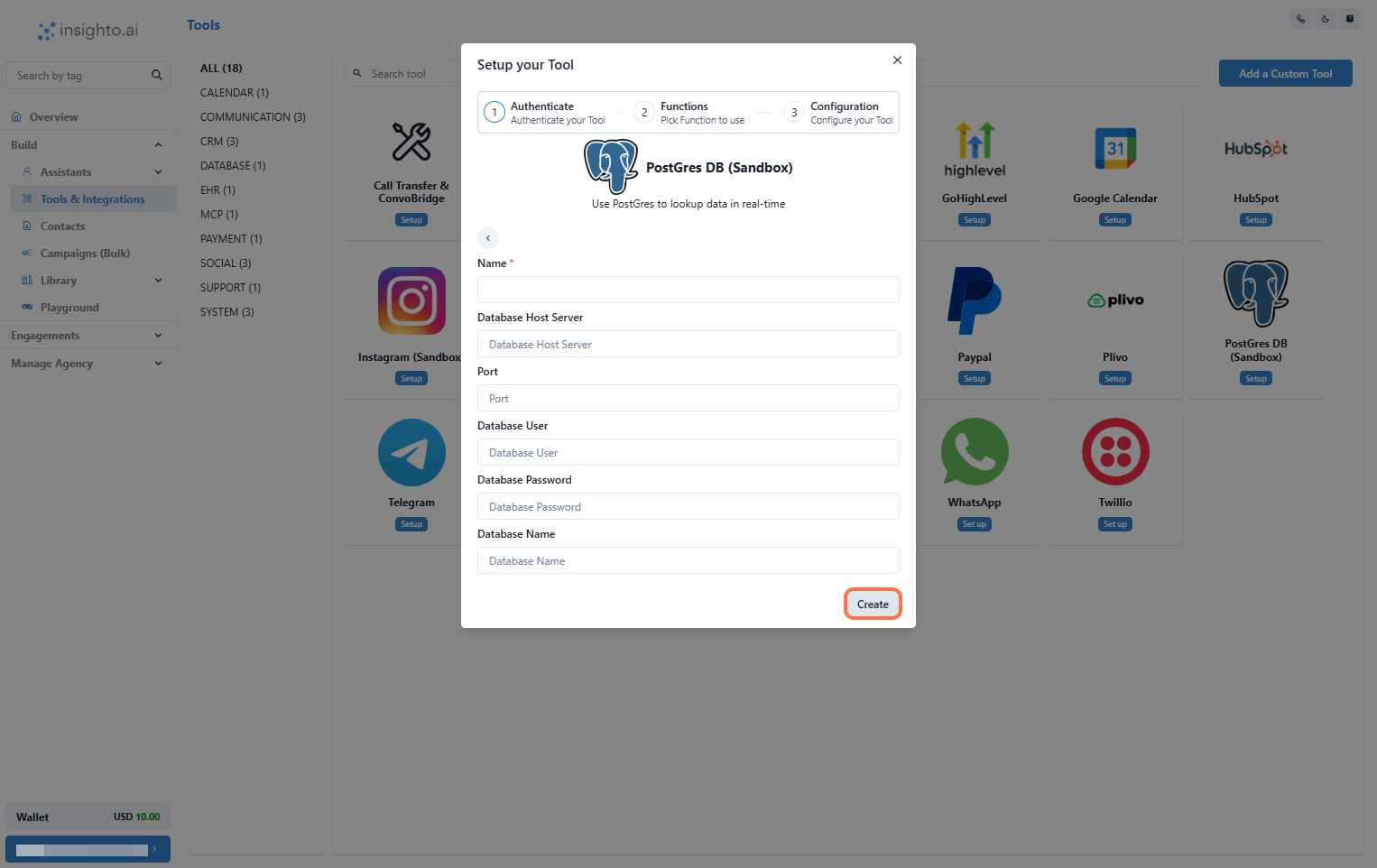
- Enter Details and Click Create
- Name: A descriptive name for your connection.
- Database Host Server
- Database User
- Database Password
- Database Name
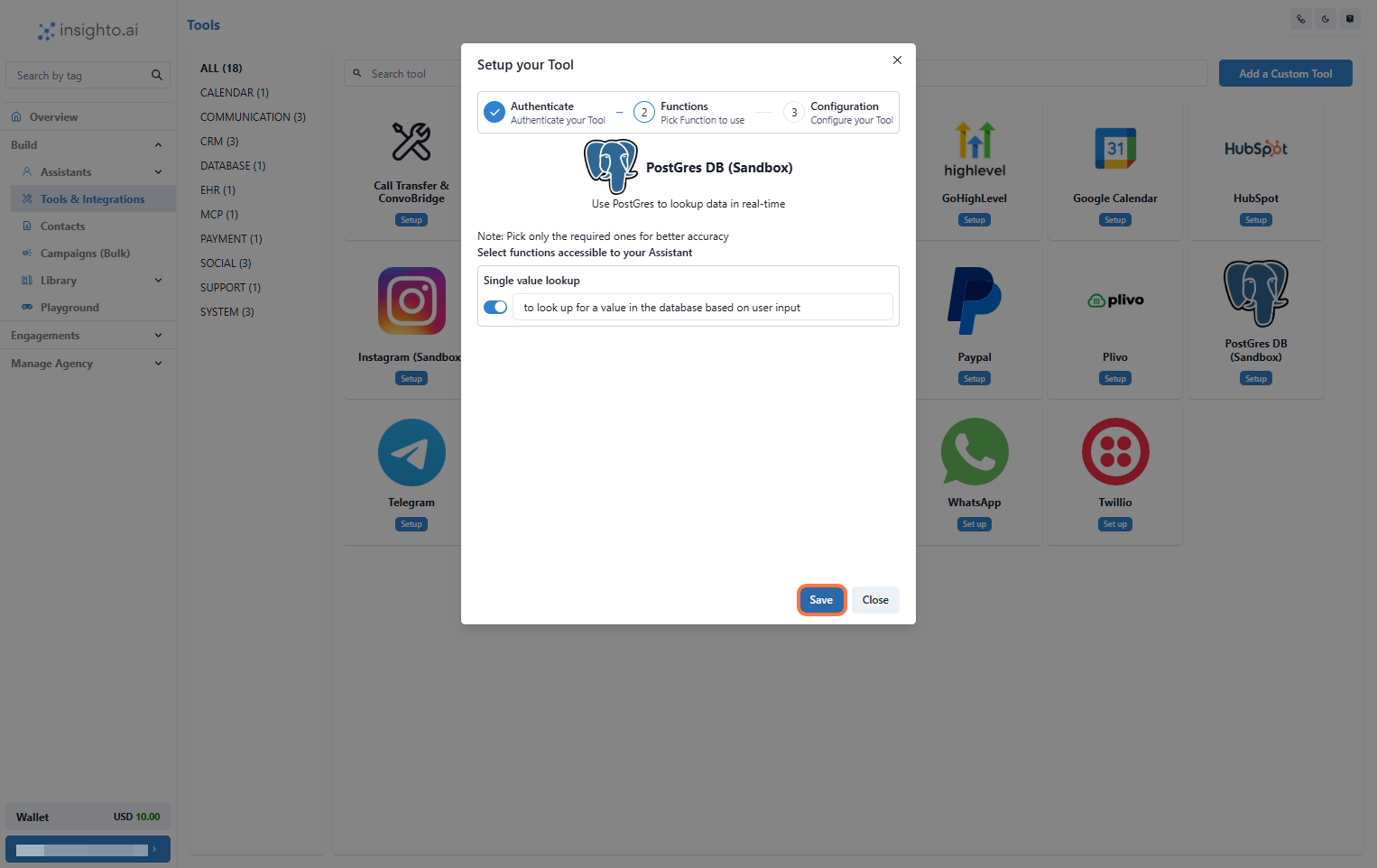
- Enable Required Functions and Save
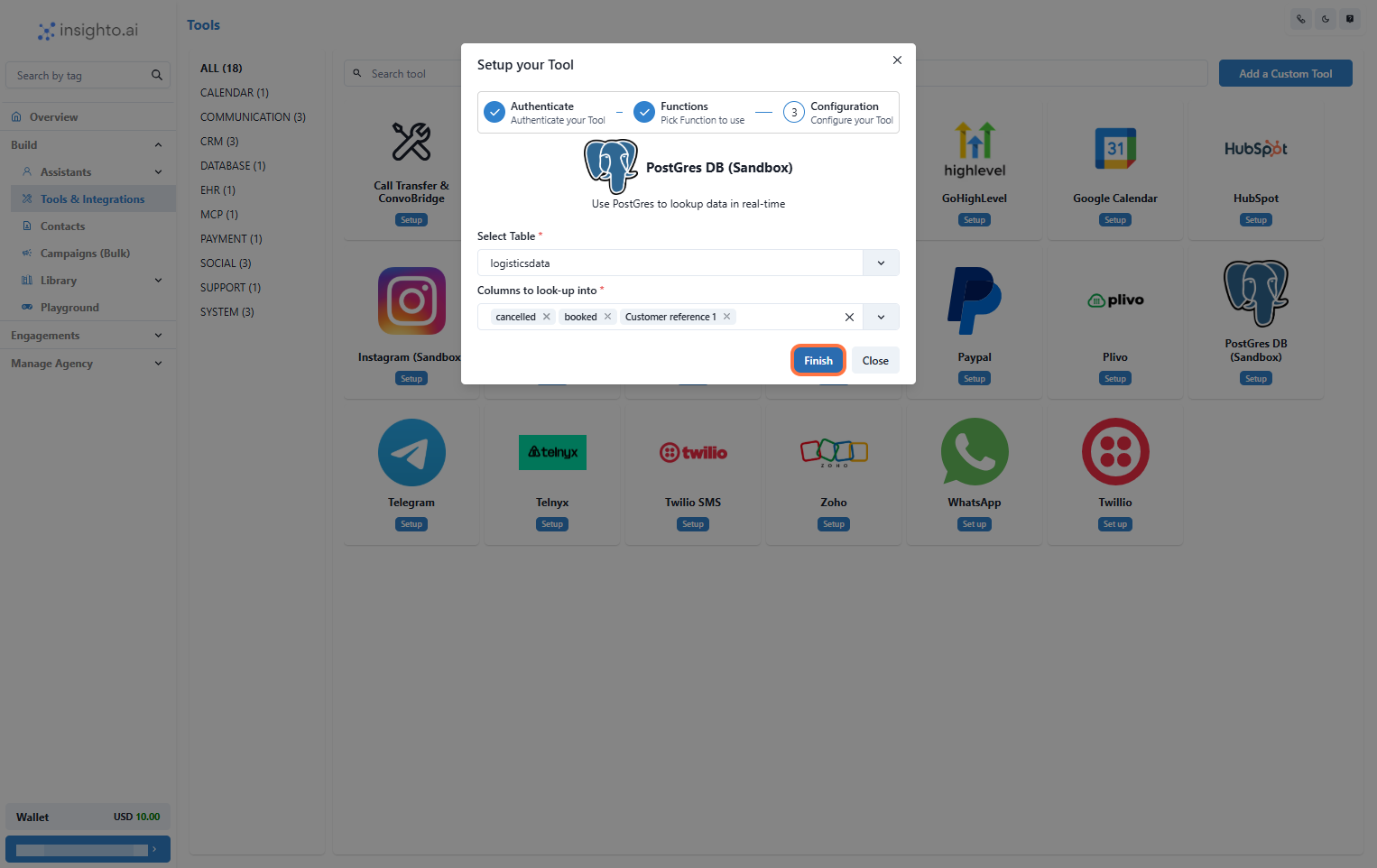
- Select the Table & Columns to Look-Up
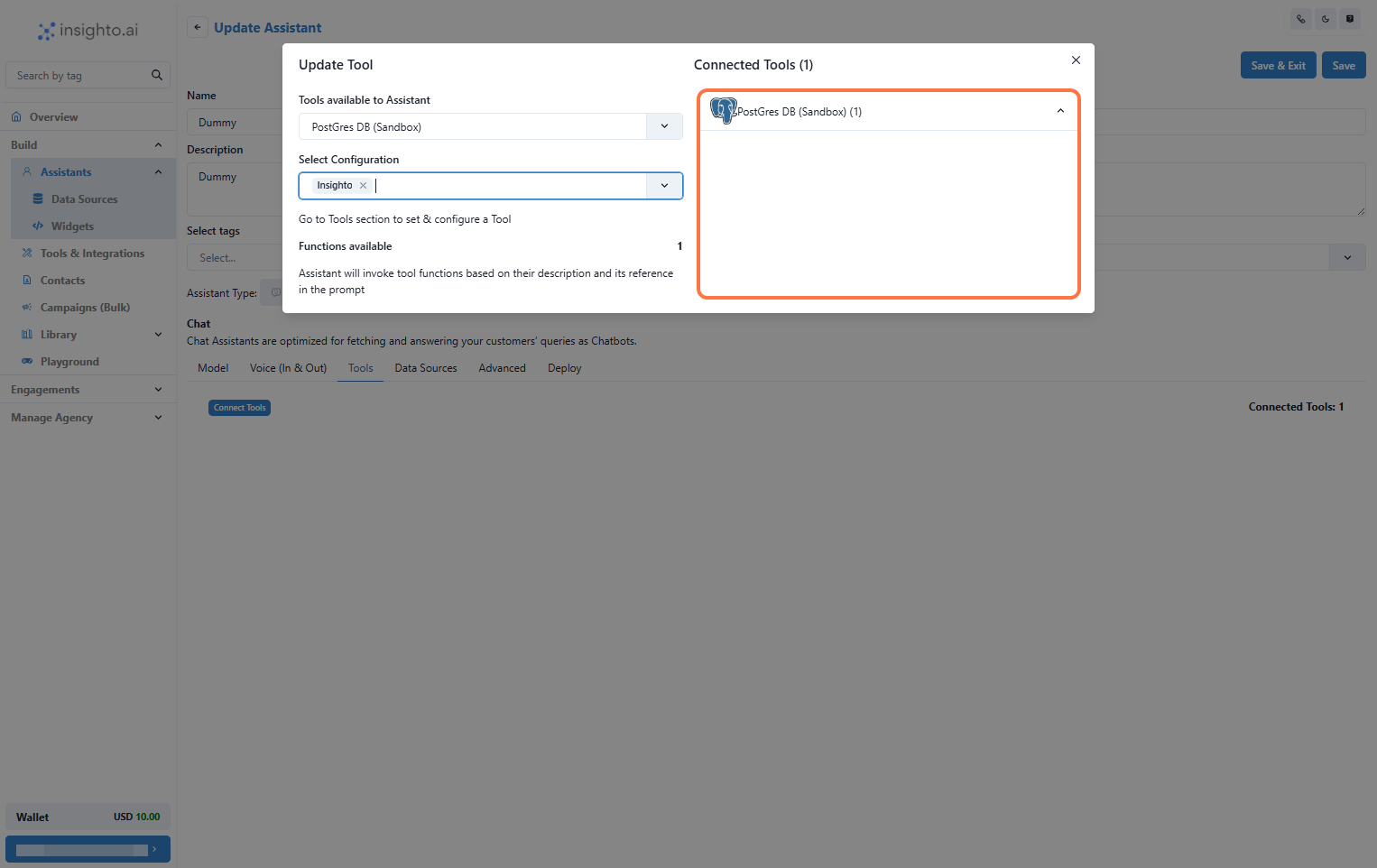
🤖 Connect with Assistant
- Connect the Tool to an Assistant
- Go to the Assistants section.
- Click Edit on the assistant you want to connect.
- In the Tools tab, click Connect Tool and select your Postgres DB Tool configuration.